


G-28 Form Generator in ImmiBox
Overview
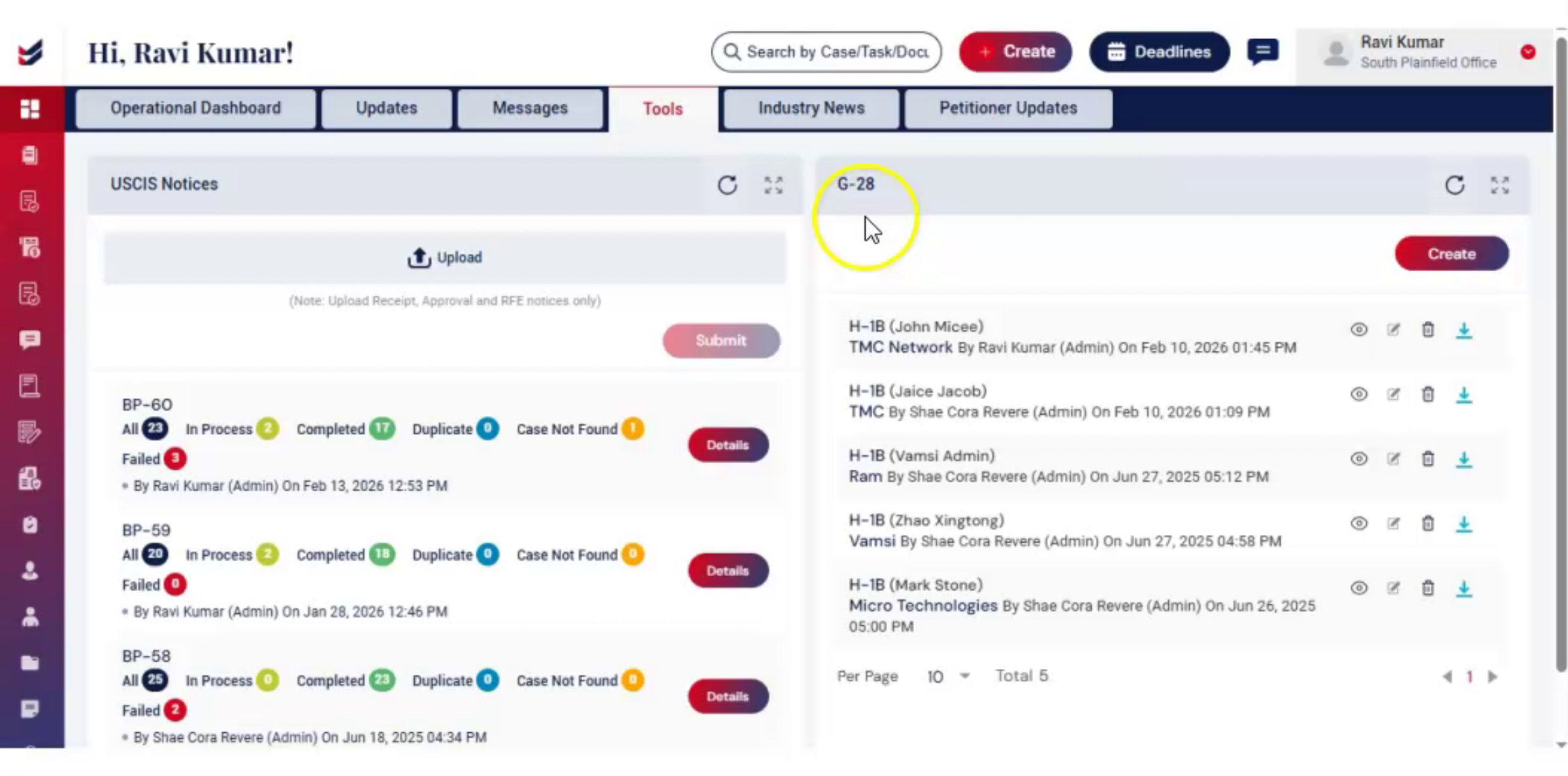
Welcome! In this video, we will learn how to generate, edit, and download G-28 form in ImmiBox.
1. Introduction
 * click the image to view enlarged
Form G-28, officially known as the Notice of Entry of Appearance as Attorney or Accredited Representative, is used to authorize an attorney to act on behalf of an applicant or petitioner.
In ImmiBox, you can easily generate a G-28 Form directly from the Tools section without creating a case.
2. Access G-28 Form Generator
 * click the image to view enlarged
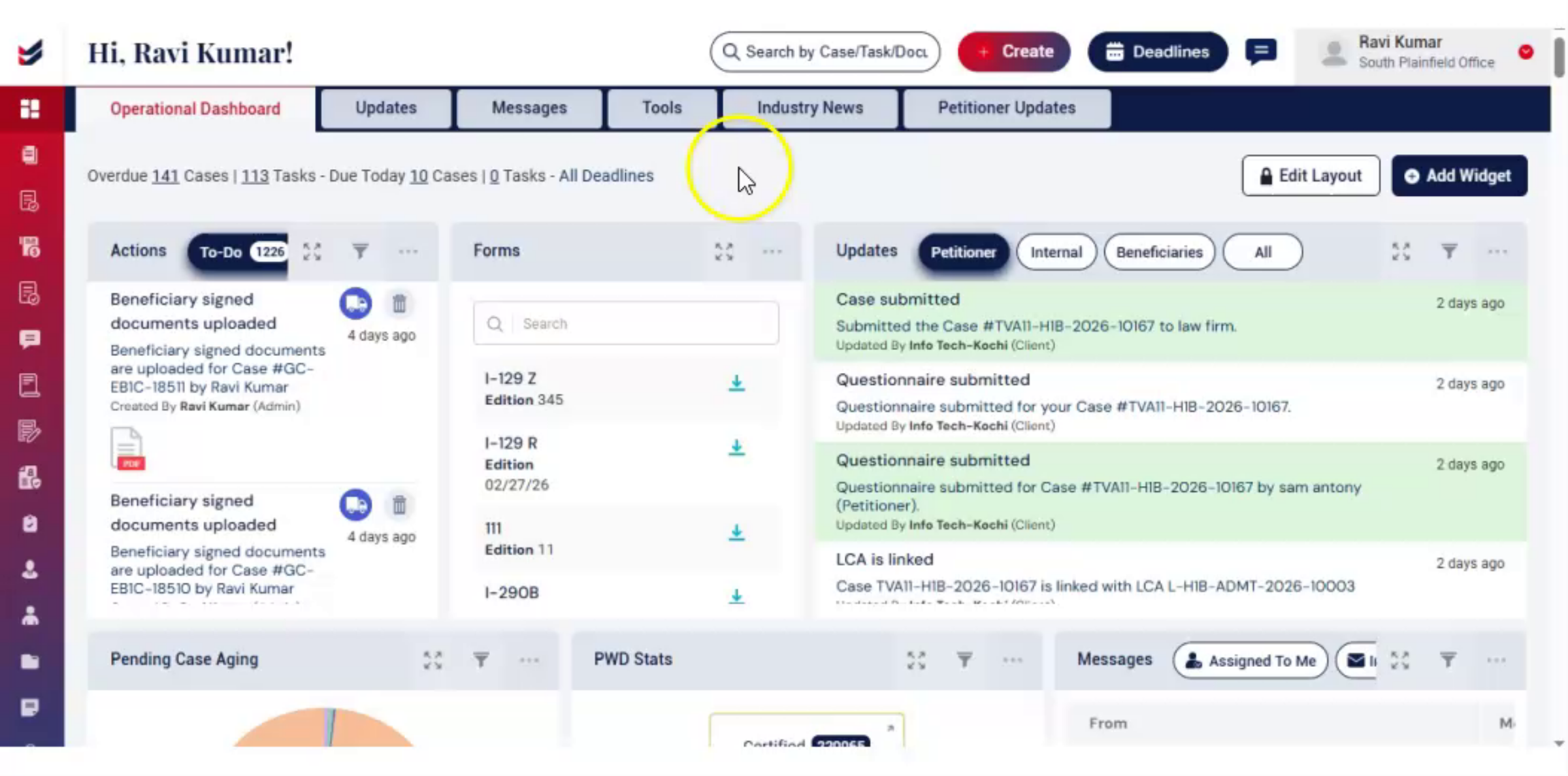
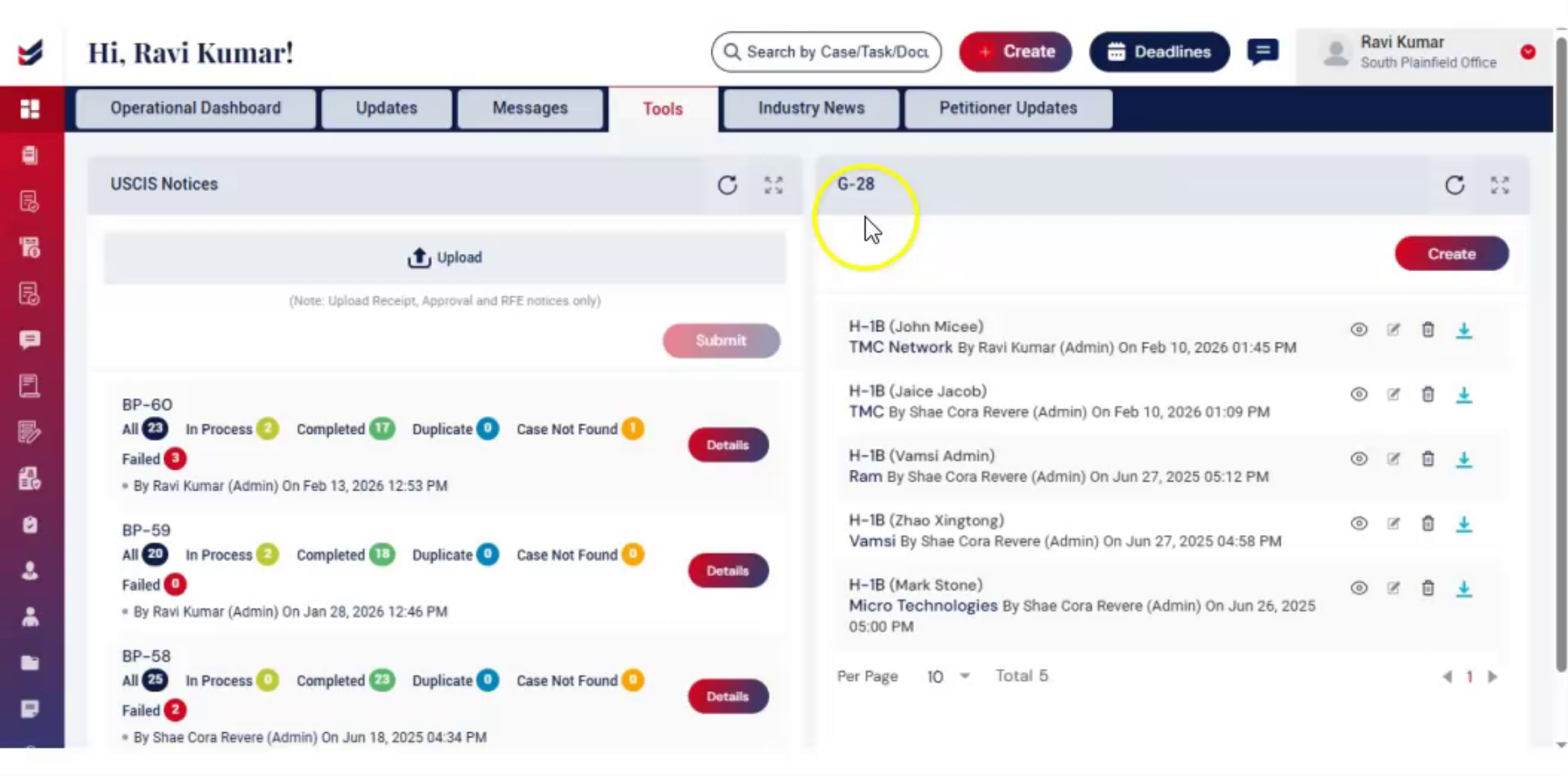
On the Dashboard, click to the Tools widget. You will find the G-28 section on the right-hand side.
To generate G-28 form click on the 'Create' button to begin.
A Create G-28 dialog box will appear.
Enter the Case Type and Customer Name,
Choose the Attorney from the dropdown
Fill in the Address section
After entering all the details, review the information carefully.
Click Submit. Then, G-28 form is generated automatically.
3. G-28 Forms Overview
 * click the image to view enlarged
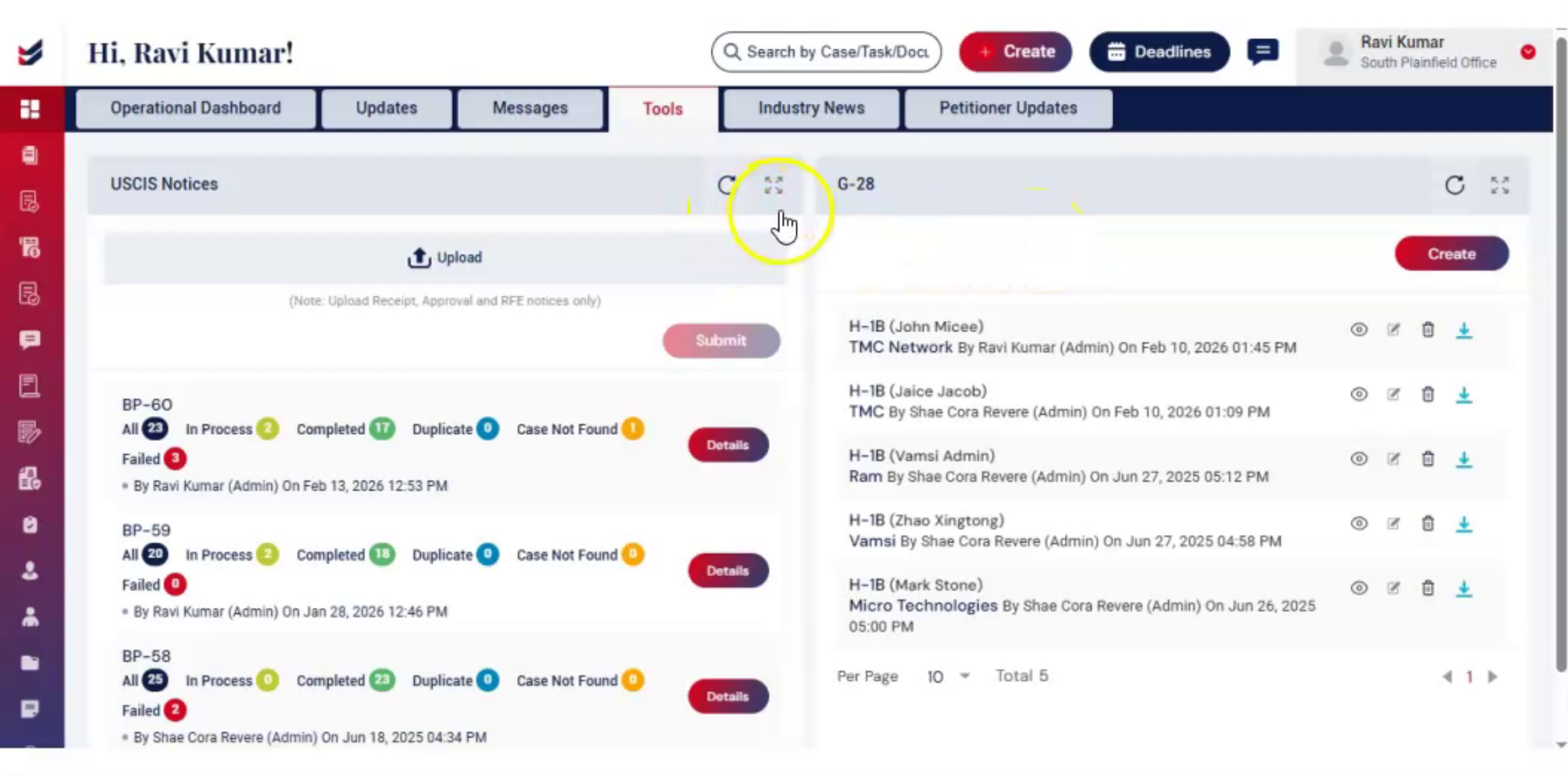
After submission, the G-28 form will be generated.
On the screen, you will see a list of all G-28 forms, including the most recently created one.
At the top, you will find:
A Refresh option to reload the list
A Expand/Full Screen option to widen the section.
4. Manage G-28 Form
 * click the image to view enlarged
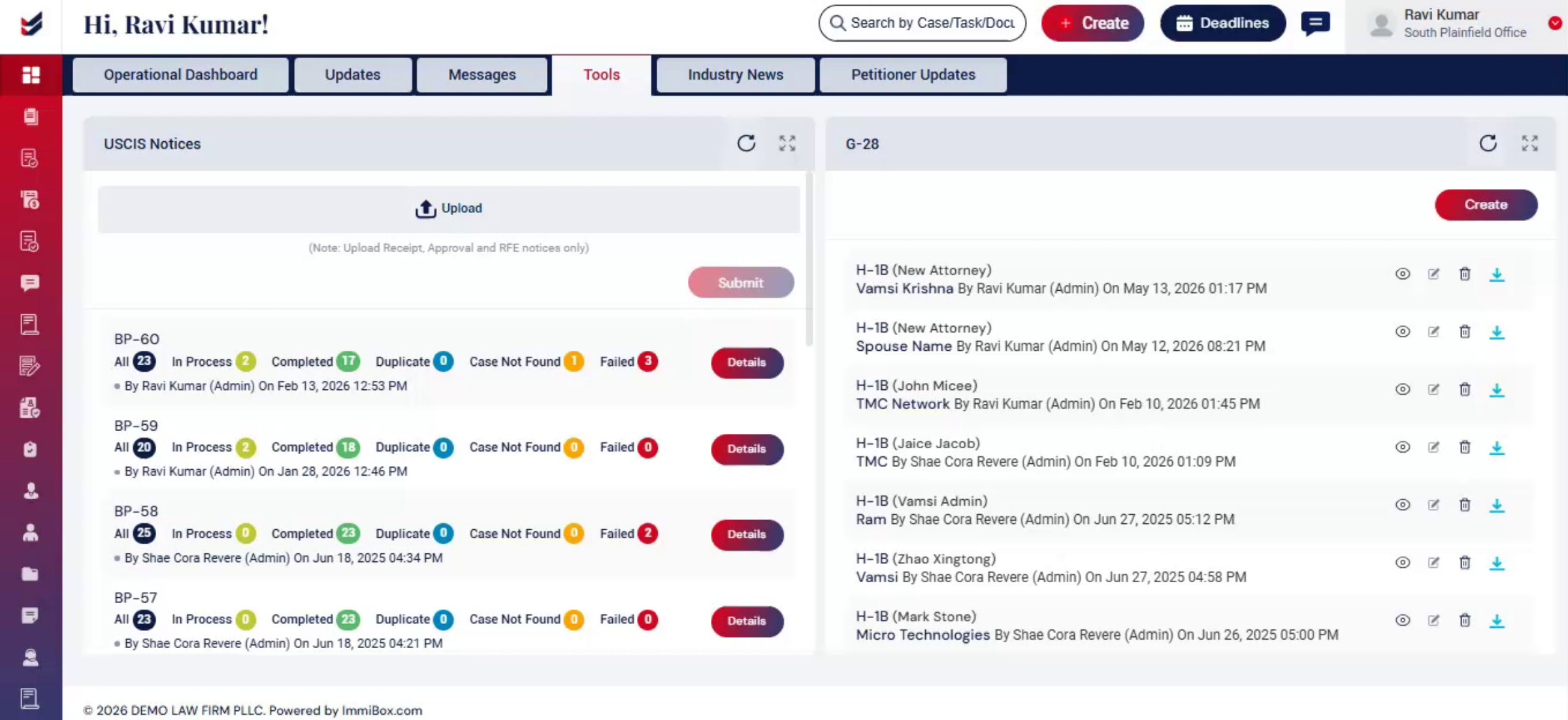
On the right side of each form, you can perform multiple actions on the generated form:
View Icon – Click on it to preview the form in a readable format. This helps you verify all the entered details before making any changes or downloading the form.
Edit Icon – Click to update or modify any details in the form.
Delete Icon – Click to remove the form if it is no longer needed.
Download Icon – Click to save the finalized form as a PDF for records or submission.
5. Conclusion
 * click the image to view enlarged
Generating G-28 forms in ImmiBox is quick and efficient.
You can easily create, review, edit, and download forms, helping streamline your workflow without creating a case.