


Case Phases in ImmiBox
Overview
Welcome! In this video, we’ll walk through Case Status in ImmiBox and see how cases progress through different workflow stages.
1. Introduction
 * click the image to view enlarged
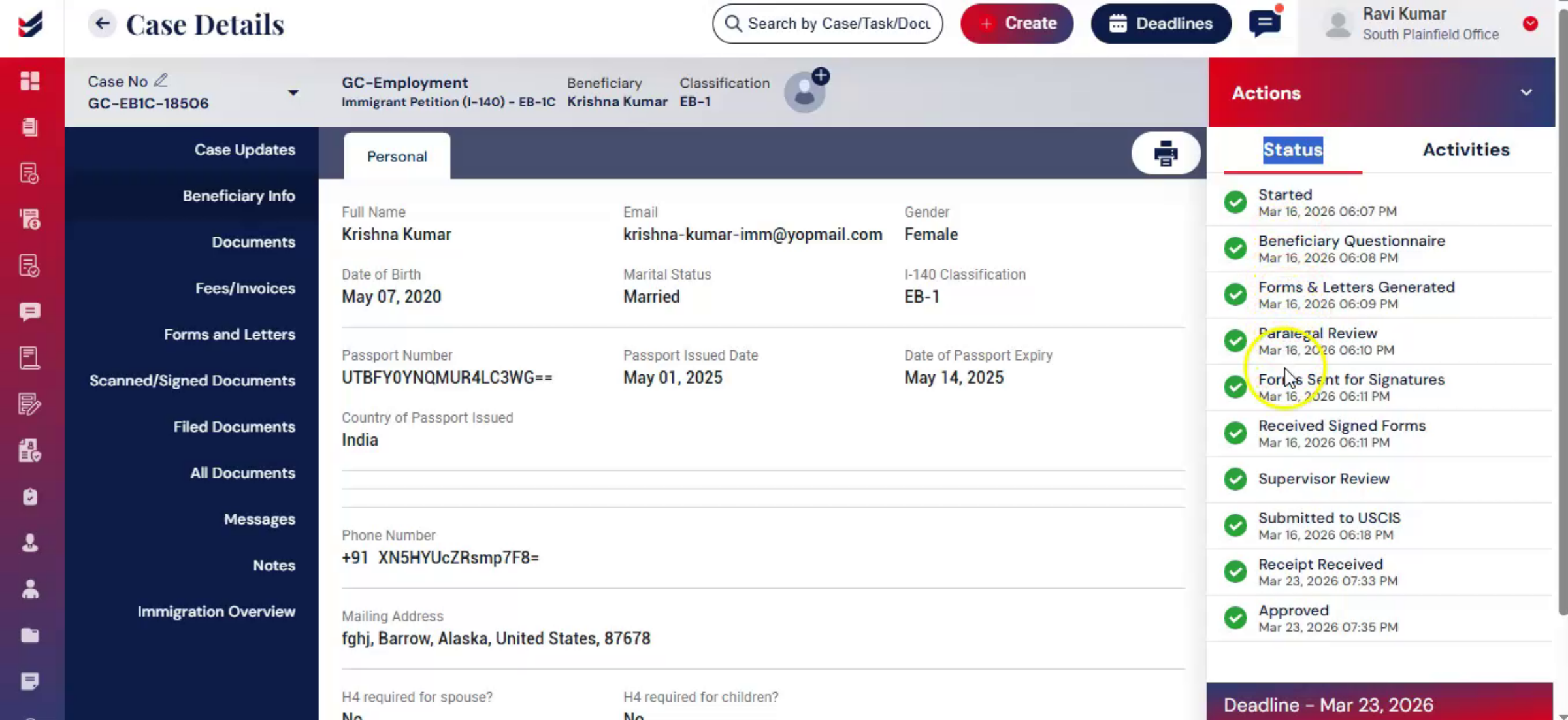
Case Phase or Case Status represents the different stages a case goes through after creation. It helps users track progress, follow the required workflow, and ensure all necessary steps are completed.
2. Access Case Phase
 * click the image to view enlarged
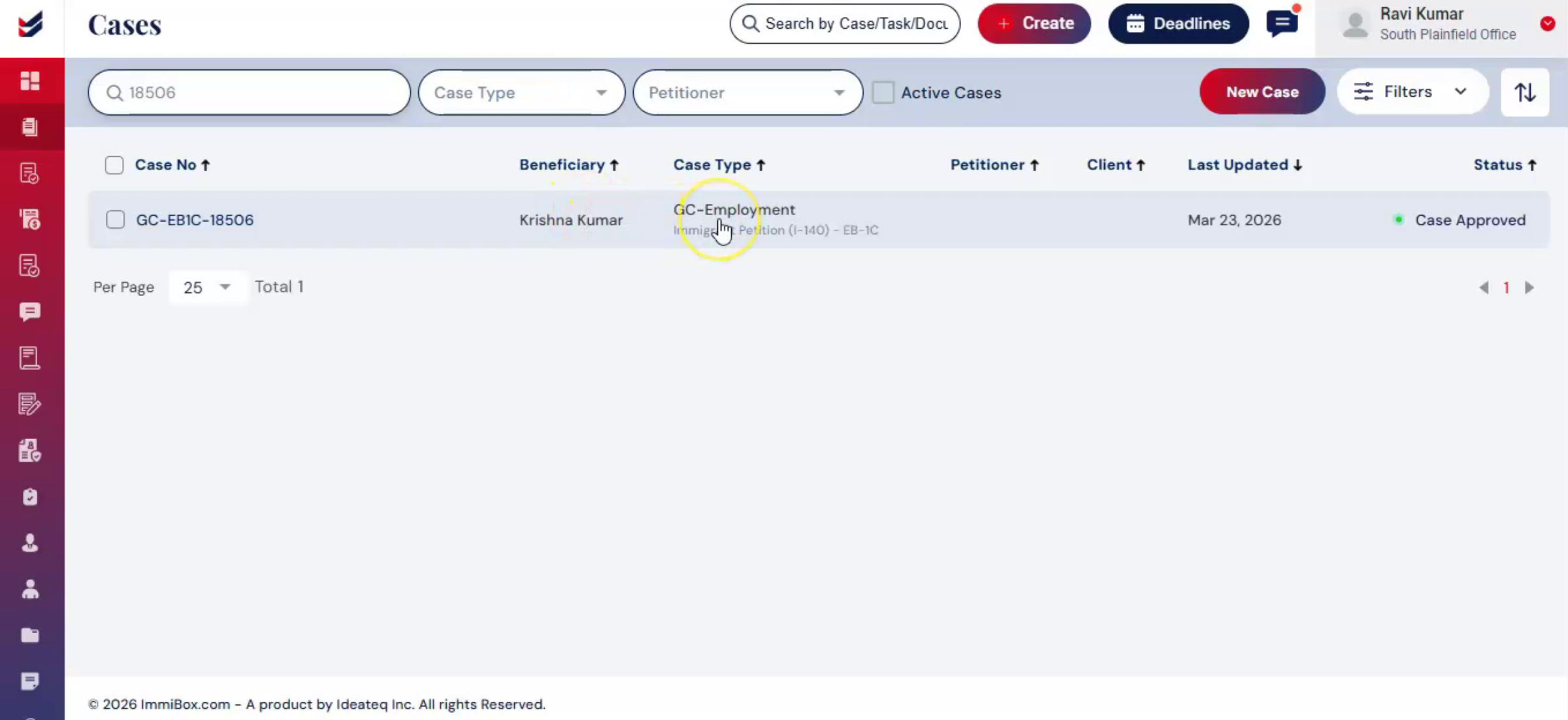
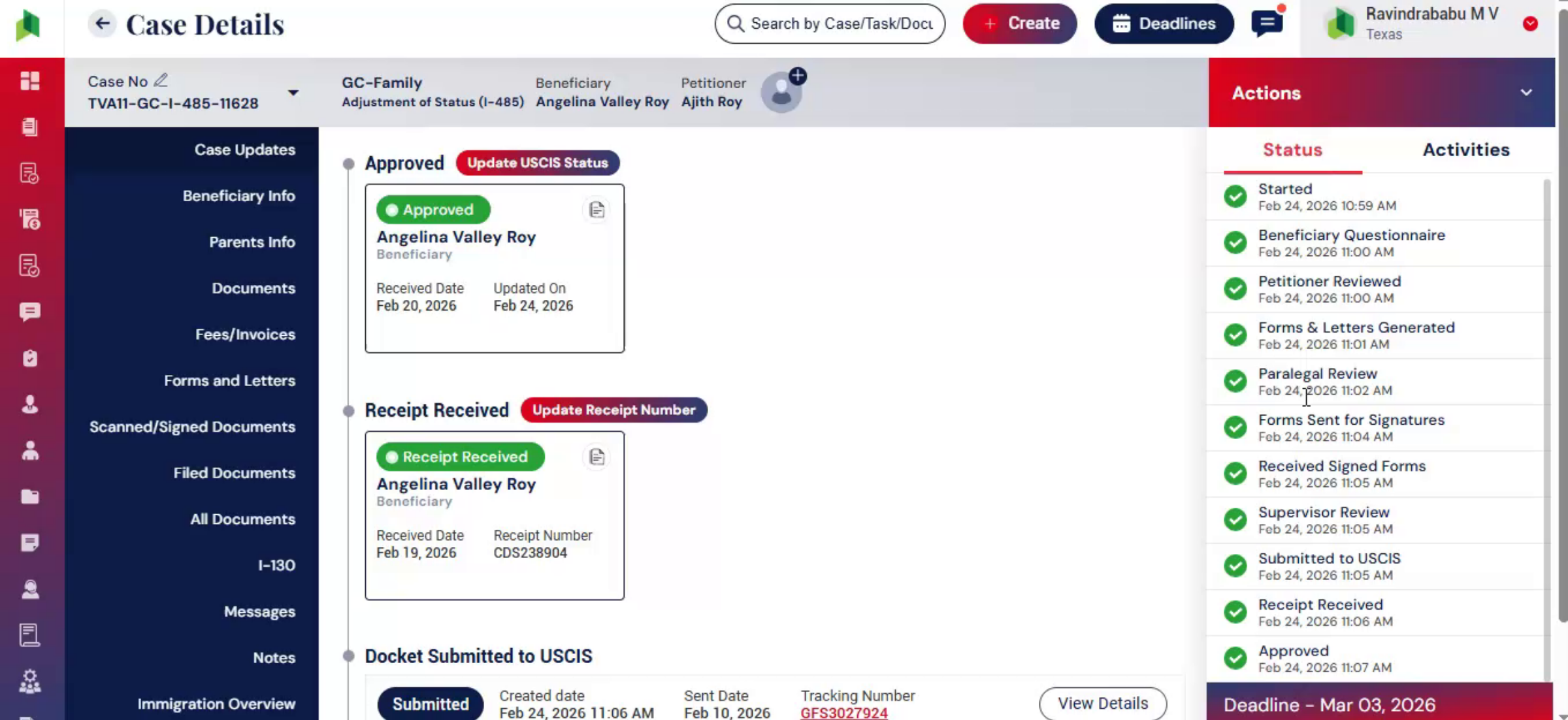
To view the Case Phase: Go to the Case Details Page. On the right side, below the Actions tab, select the Case Status tab. This opens the complete workflow structure of the case, showing all phases in sequence.
3. Understand Status Indicators
 * click the image to view enlarged
Within the Case Status section, each stage is visually represented to indicate progress. Completed stages are marked in green, along with the date and time of completion. This provides clear visibility into completed activities and supports accurate tracking and audit history.
4. The Case Status Structure
 * click the image to view enlarged
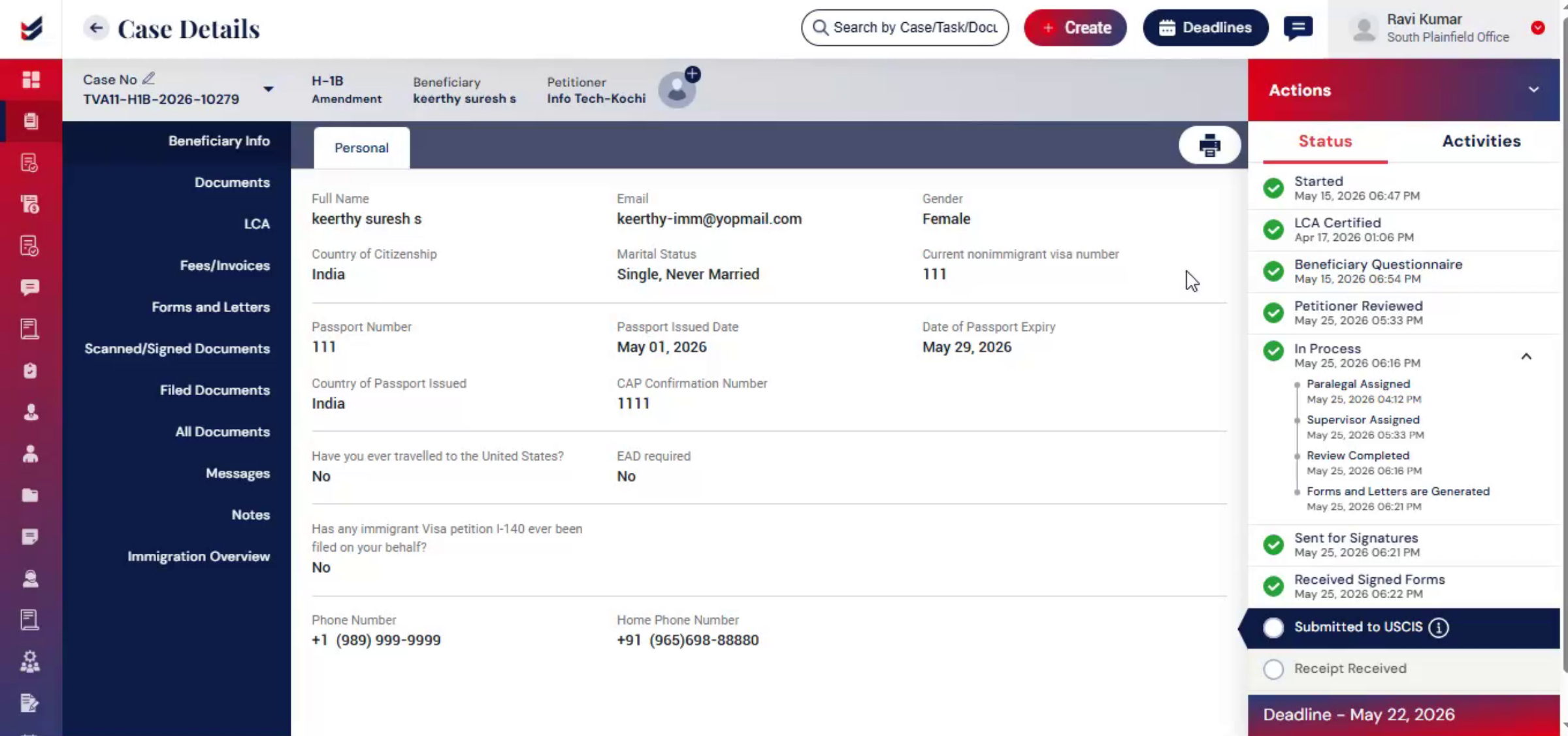
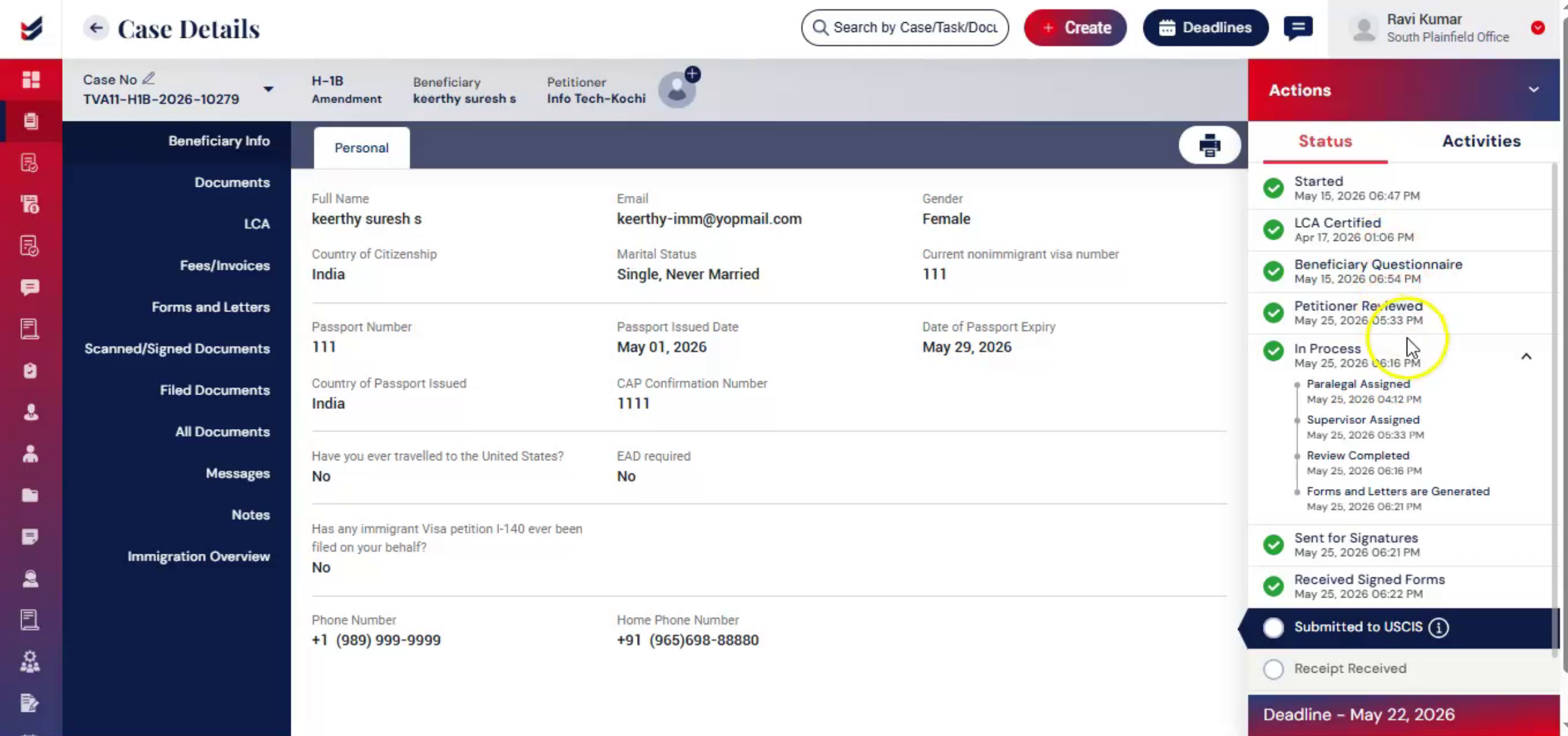
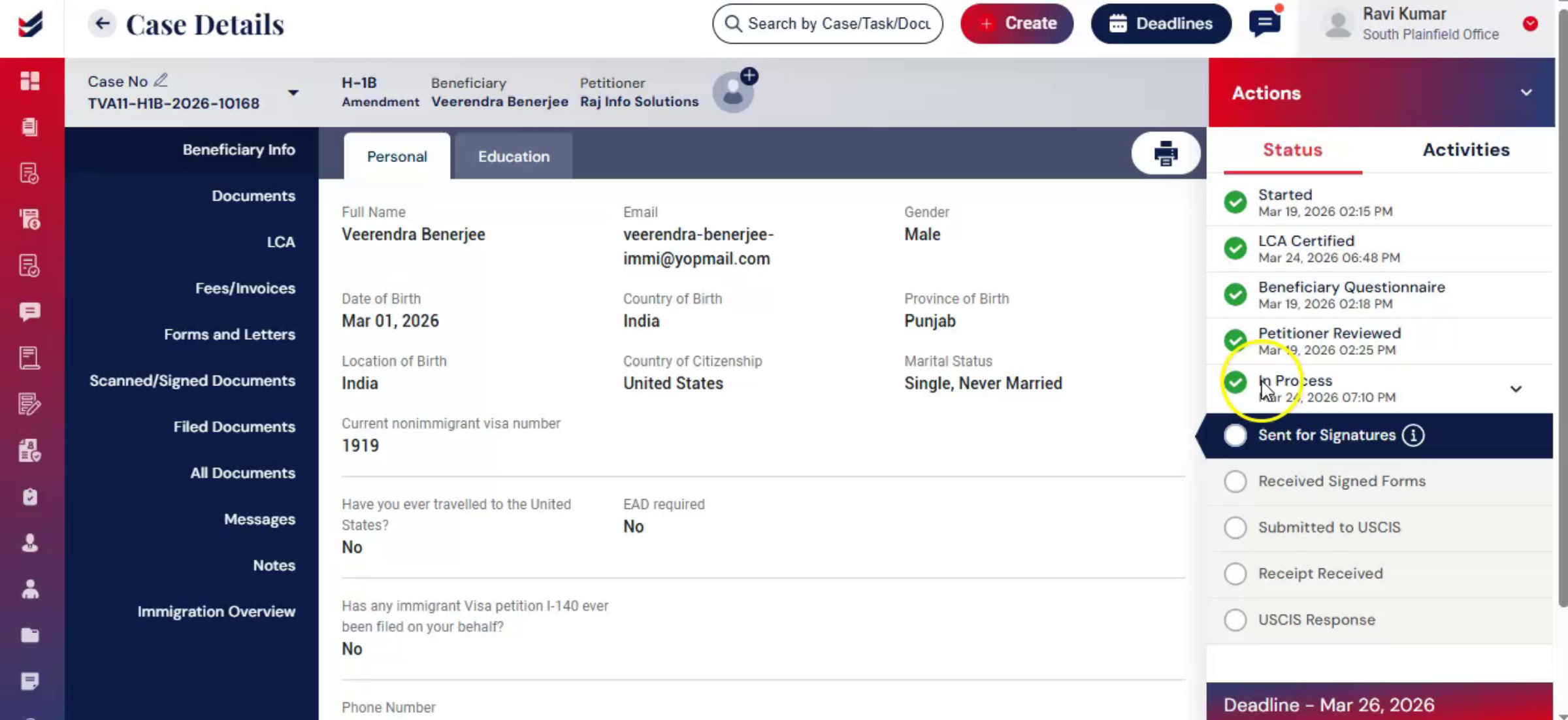
Each case is divided into multiple phases based on the case type. The number of phases may vary, and each phase represents a specific step in the case workflow. All stages are arranged in sequence from start to finish to guide users through the process. The workflow structure can also be customized to meet law firm requirements. For more details, refer to the Workflow Management video.
5. Follow the Required Sequence
 * click the image to view enlarged
Case status must be completed in order. Each phase is mandatory. Users must complete one phase before moving to the next. This ensures accuracy, consistency, and that all required steps are properly followed.
6. Track Case Progress
 * click the image to view enlarged
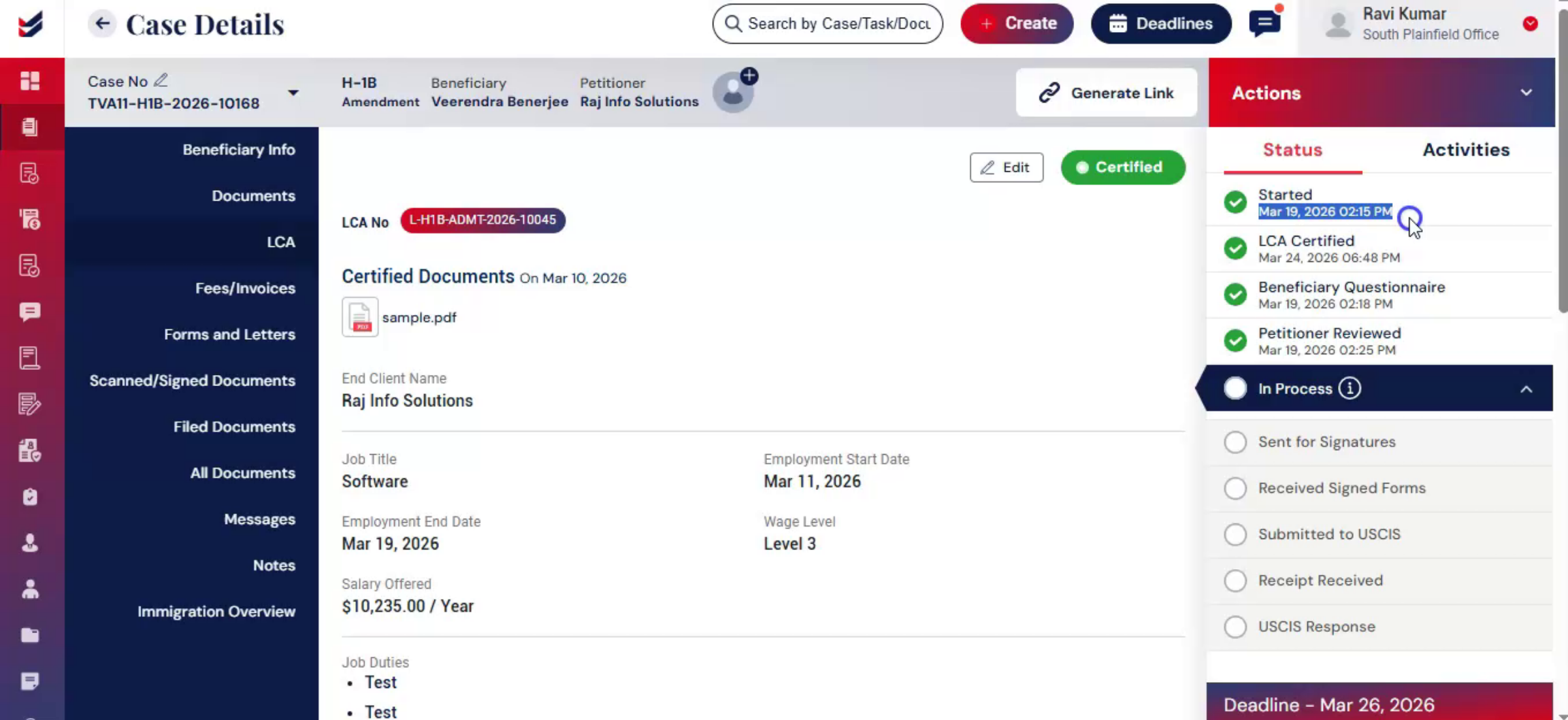
As the case moves forward: Users can quickly see what is done and what remains. This ensures smooth workflow execution and better coordination among team members.
7. Different Case Statuses
 * click the image to view enlarged
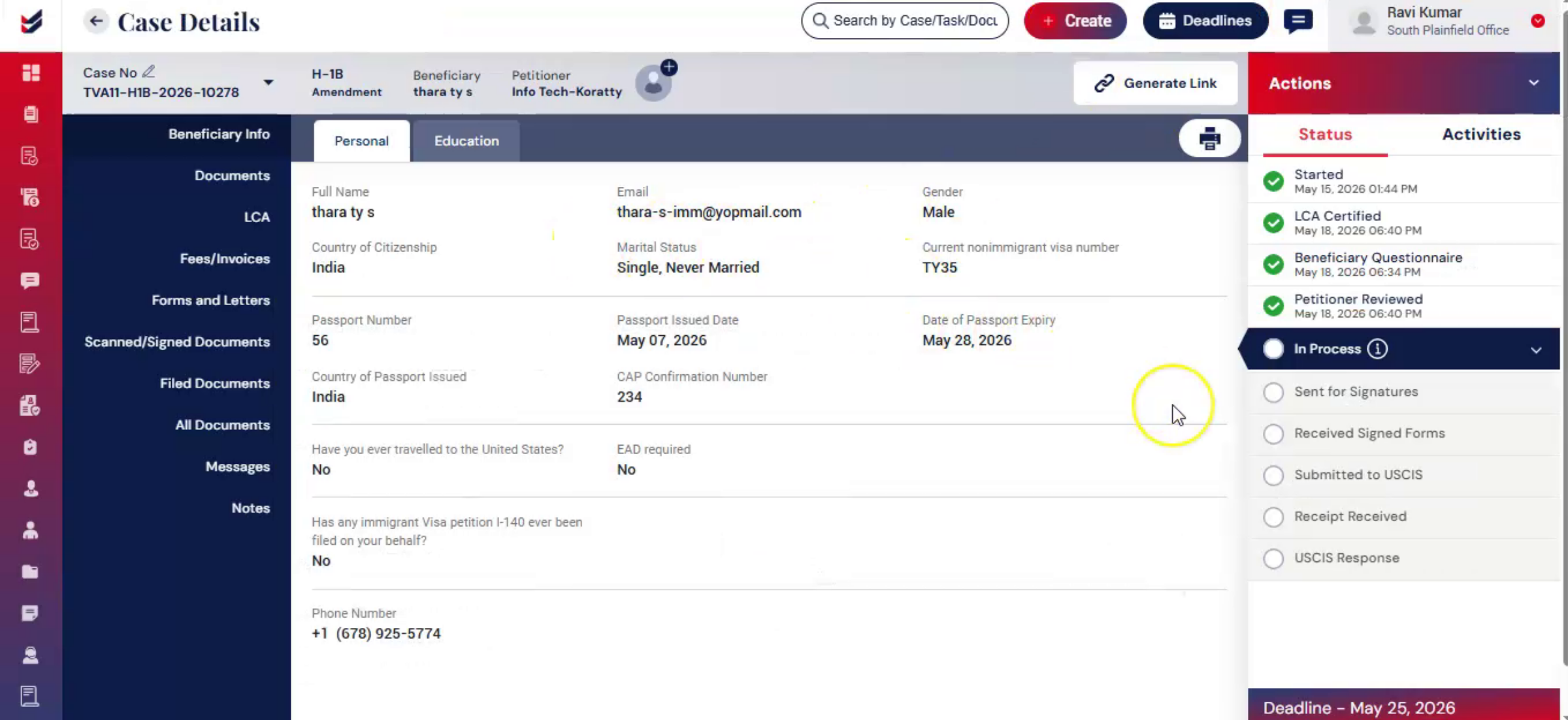
Each case type has a different set of case statuses based on its workflow, process stages, and related activities. For example, cases that involve LCA processing usually have additional stages and activities compared to case types that do not require LCA, such as certain Green Card applications like I-485. Therefore, the available statuses vary based on the Case Type. ImmiBox has designed these statuses by considering all possible workflow requirements.
8. Case Statuses - Current Stage
 * click the image to view enlarged
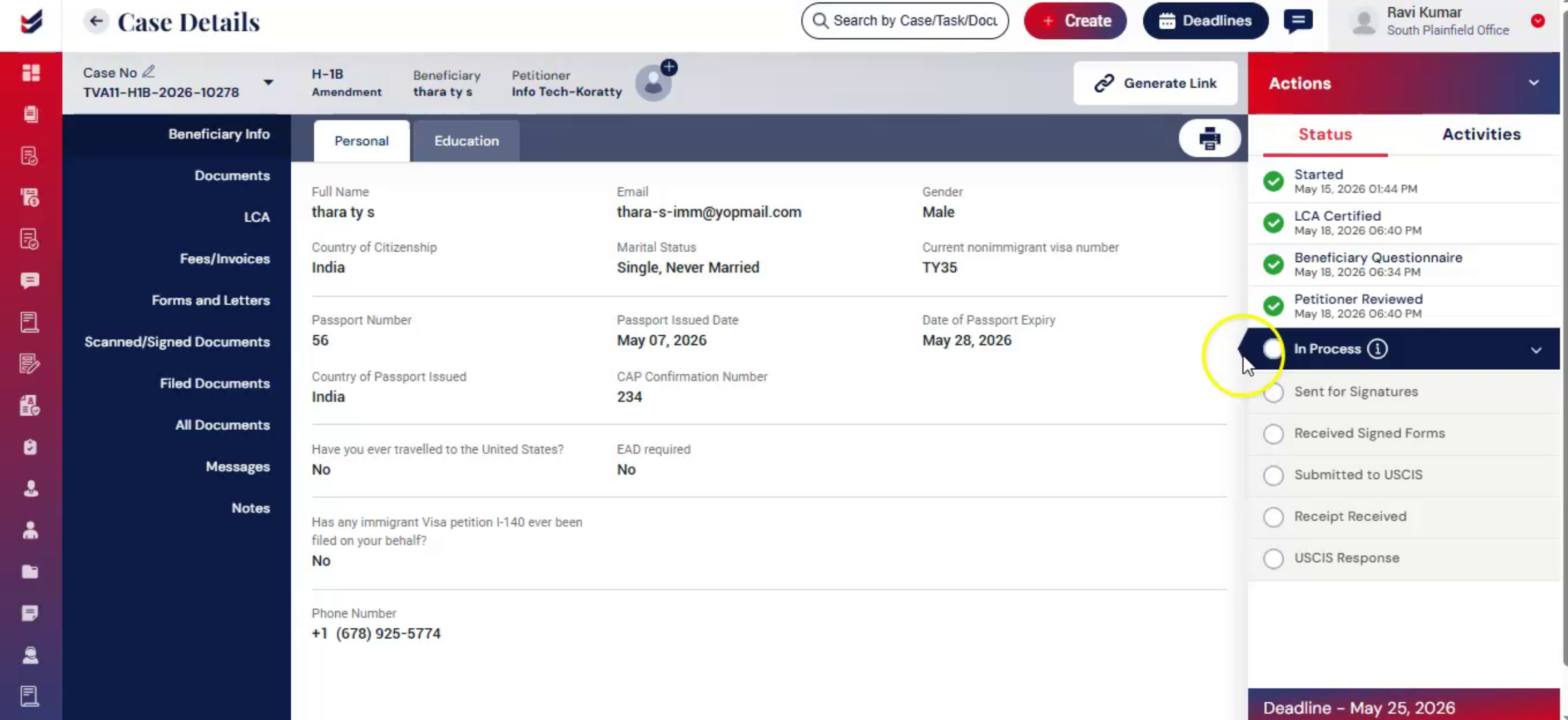
Within the Case Status section, the current stage is always highlighted with a blue arrow for easy identification. Beside each activity or status, you will also notice an information (i) icon. When you hover over this icon, it displays details about where the case is currently pending or who is responsible for completing that stage. As shown in the video, the case is currently at the “In Process” stage.
9. Conclusion
 * click the image to view enlarged
Case Status helps users track every stage of the case with clear visual indicators. It improves clarity, reduces errors, and supports efficient case handling from start to finish.

