



Create and assign a task
To create a task, click the Create Task button.
A dialog box will emerge prompting the user to input the task name, task details, select assignee, due date, and priority level. Additionally, users have the option to designate observers and upload relevant attachments for the task on a need basis.
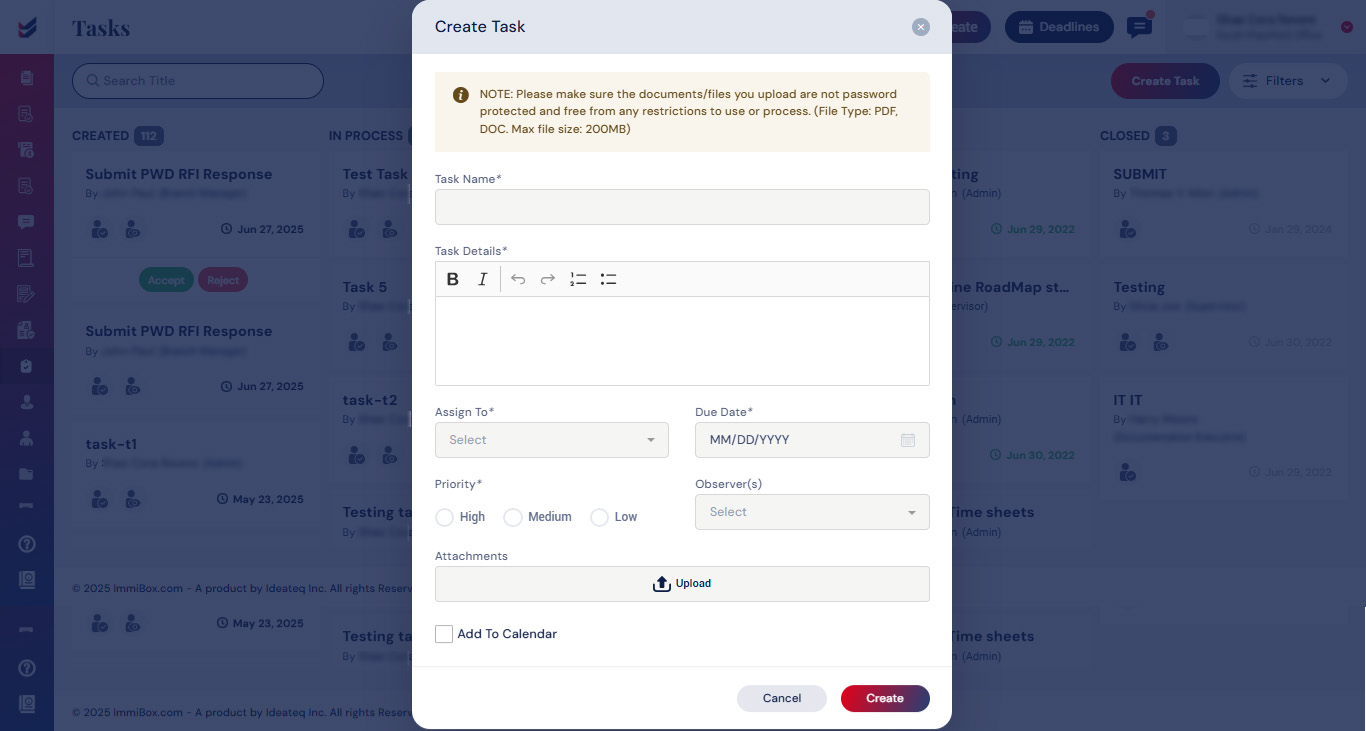
hen click on Create to view the task in the list
These tasks will also be integrated into the Calendar if the “Add to calendar” check box is selected and will be seen under ‘Deadlines’.
Click here to see how to ‘Access and Manage Deadlines and Calendar’.

