



Create a Ticket
Navigate to the ‘Support’ section on the left navigation. It will open the support section along with a list of any existing tickets with details.
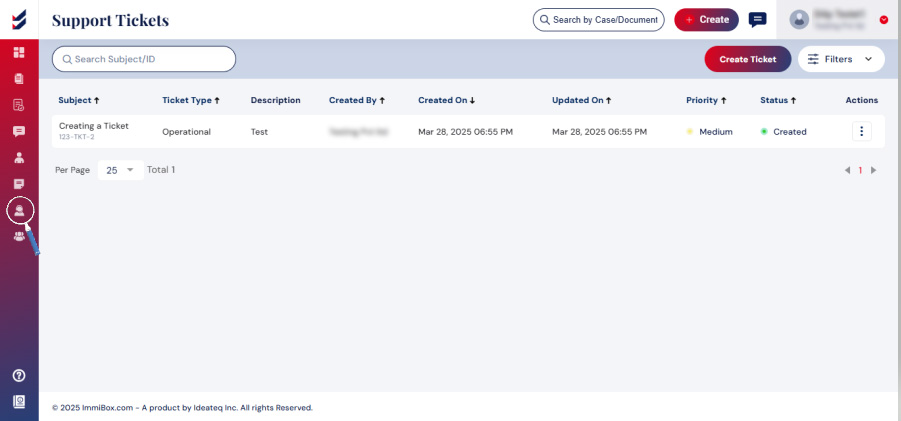
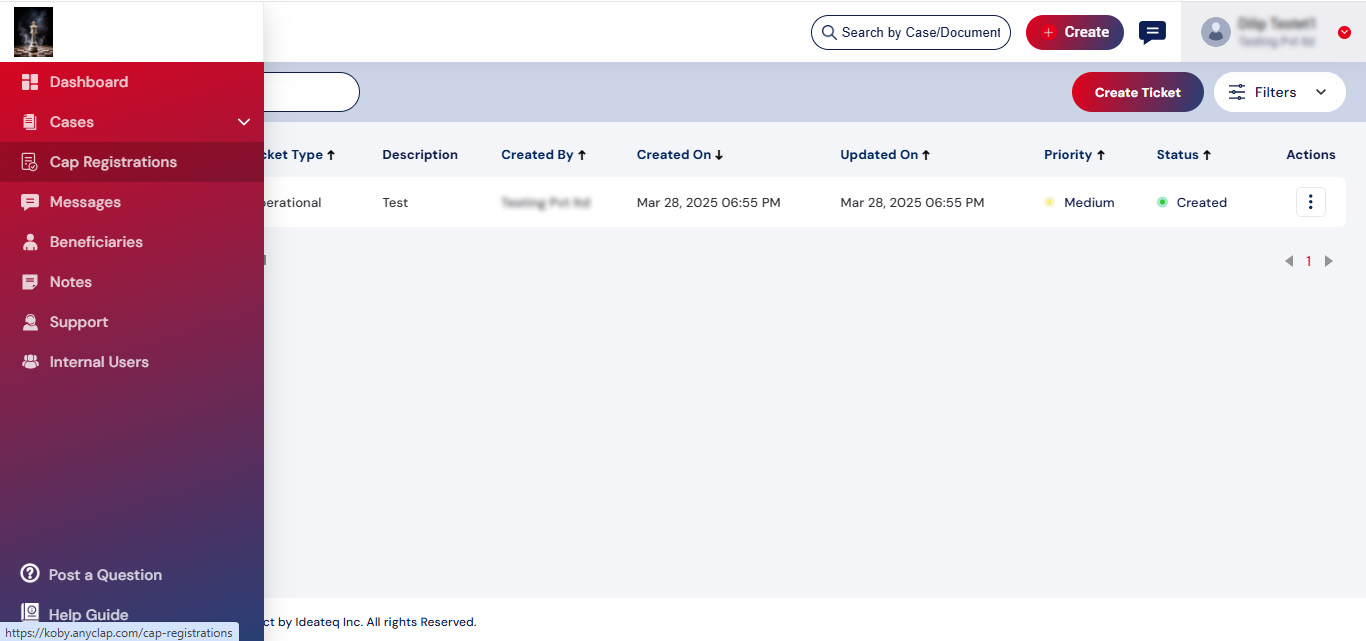
* Refer to the above image
An option ‘Create Ticket’ button will be available to report an issue. A popup will be opened with the required information to ‘Create Ticket’.
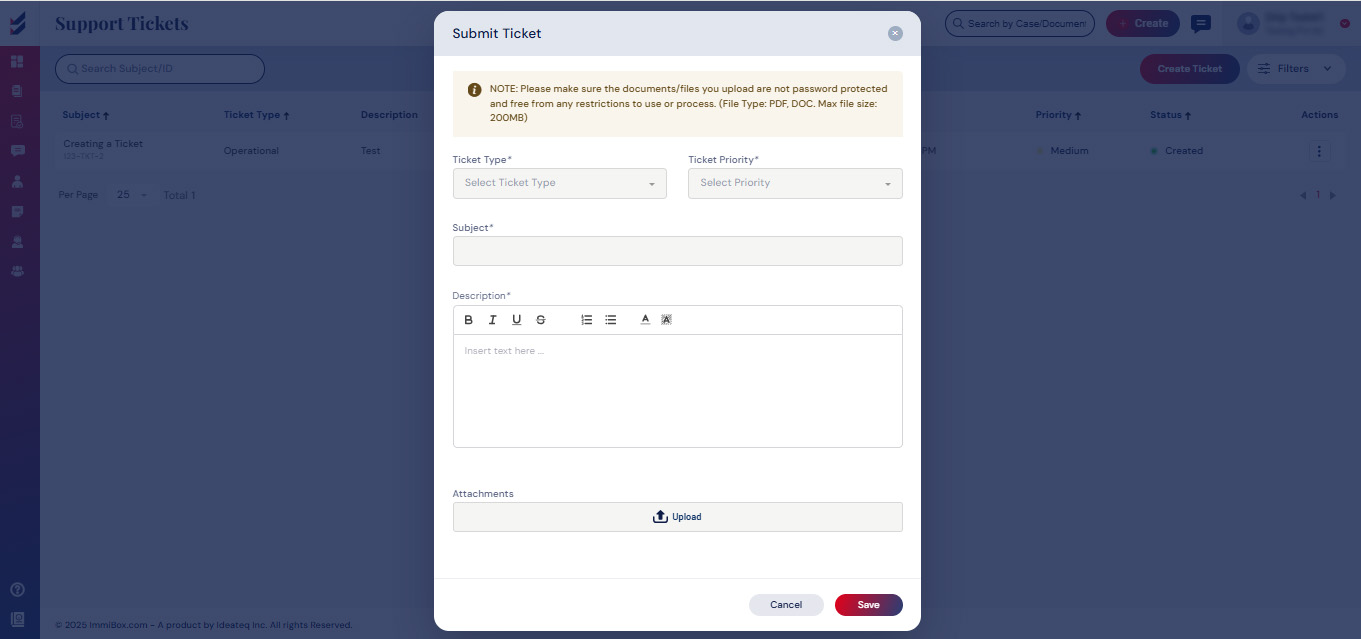
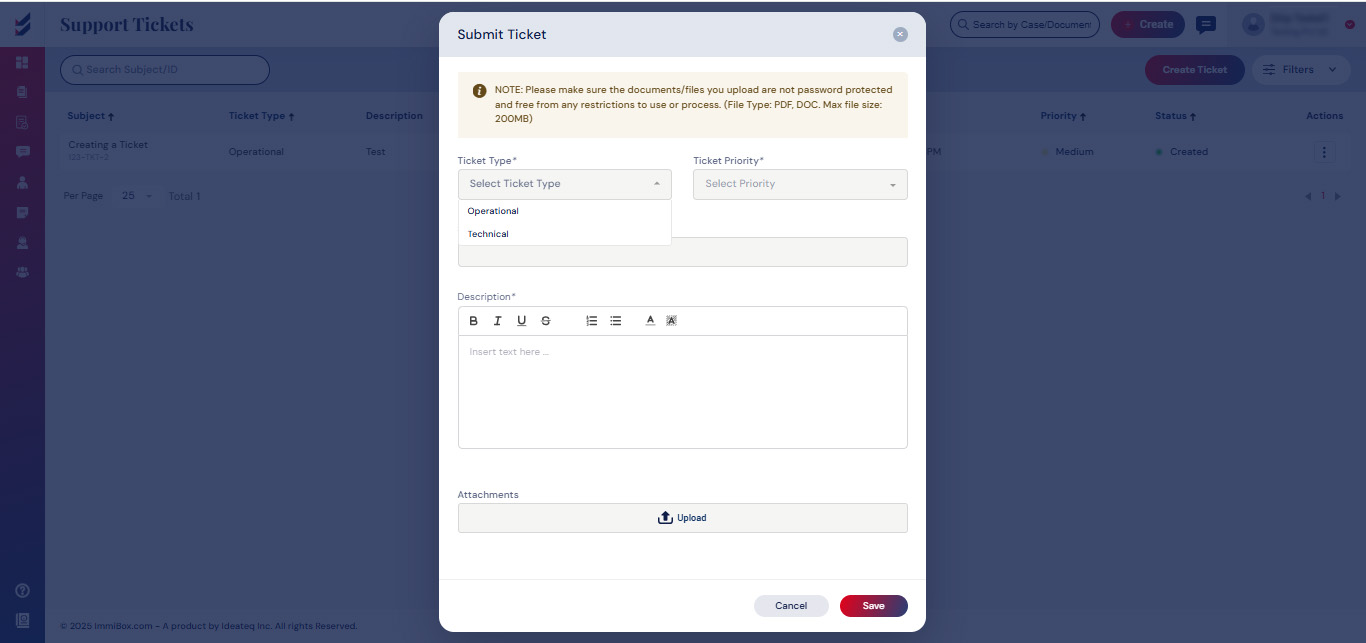
Select the Type of Ticket from the given drop-down menu. See below the details.
- Technical – Queries related to technical issues took place or it was not possible to complete the process due to system, server, and portal problems.
- Operational – Questions that require clarifications about the Rules, Documentation, Verification Process, or Intake process.
Need to select the Ticket Priority from the drop-down as High, Medium or Low.
Provide a brief description in the Subject.
Write in detail about the problem or difficulty in the description. Any attachments required may be included by uploading the file.
After providing all the details for the ticket, click on Save to submit it

