



Setup Password for an Internal User of Law Firm.
Once the Internal User of Law Firm is Invited by Administrator, they will have access to set a Password and access their account in ImmiBox.
Click here to learn how to Invite Internal User of Law Firm.
An email will be sent to the Internal User of Law Firm to setup the Password as shown below.
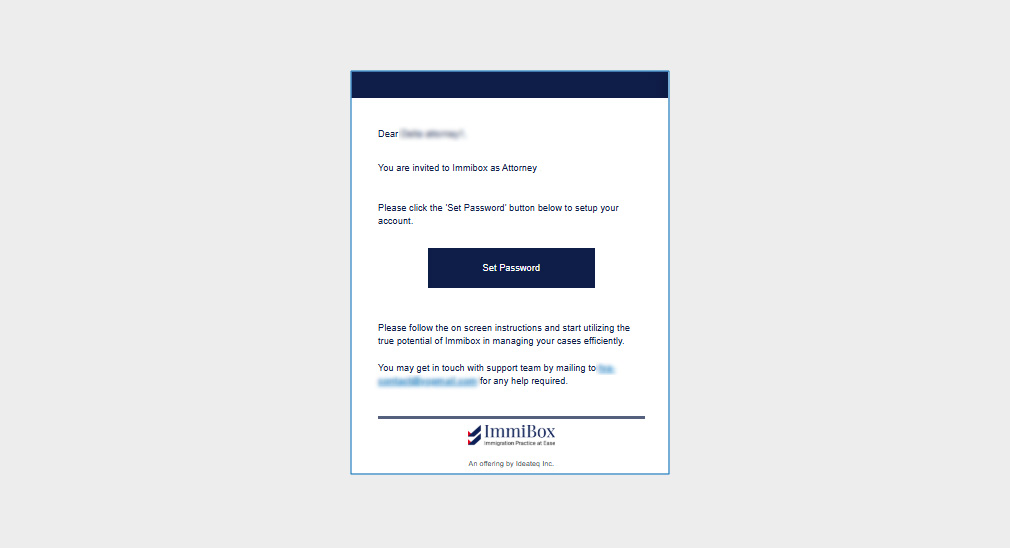
Clicking on Set Password, the users will be redirected to set password for the account.
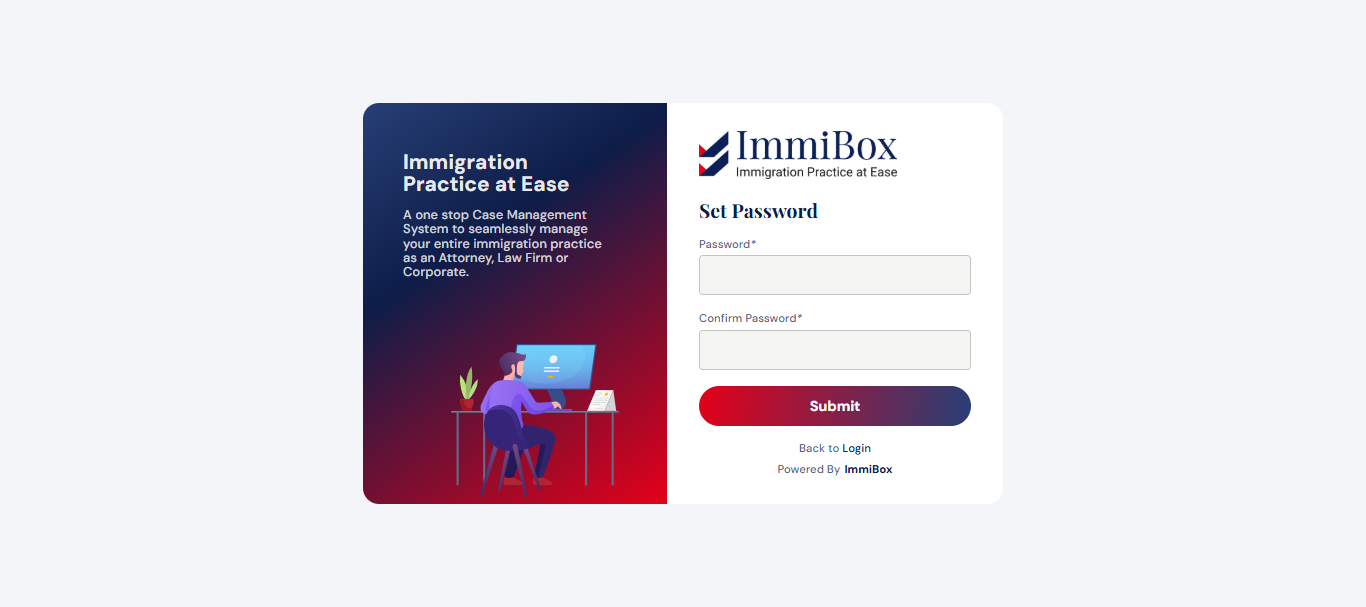
After the password has been established, the user will be logged in and will have an account to access ImmiBox under the specific Law Firm.

