



Activity Report
Information regarding Activities can be found in the Activity Report section. Users can filter cases using several criteria, such as Case Type, Case Subtype, Client, activity date, branch, and internal users.
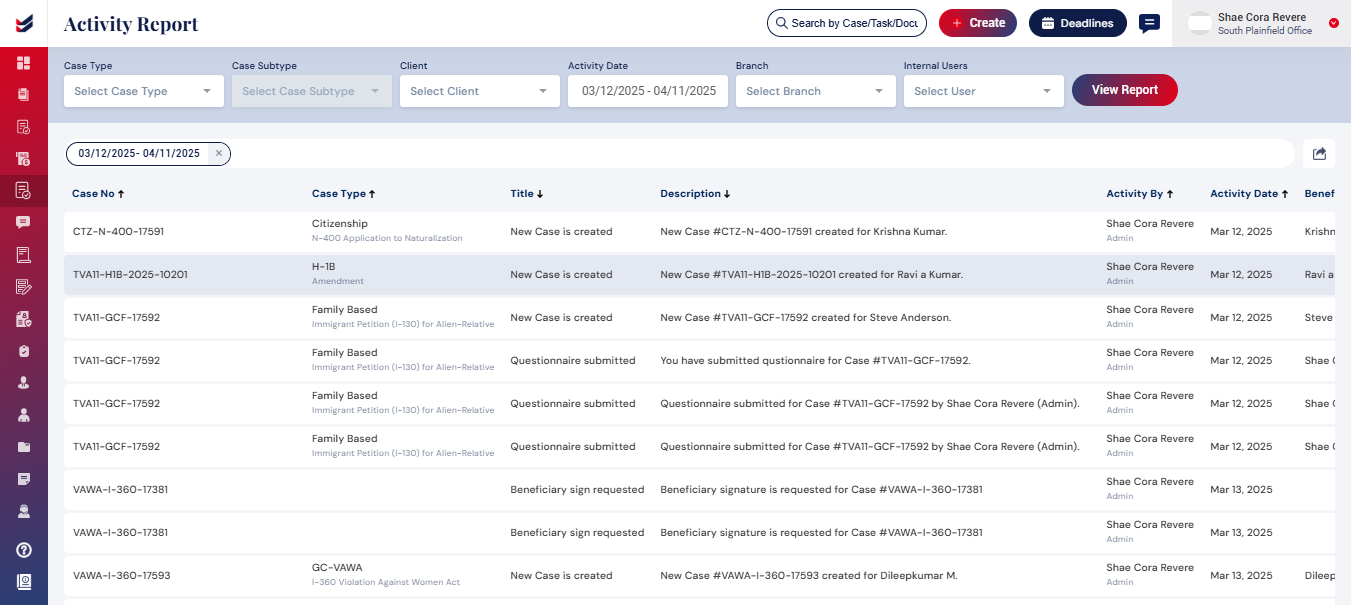
By default, the Activity report displays all Activities associated with a case.
Selecting an activity will take users to the corresponding case details.
