Create Labels
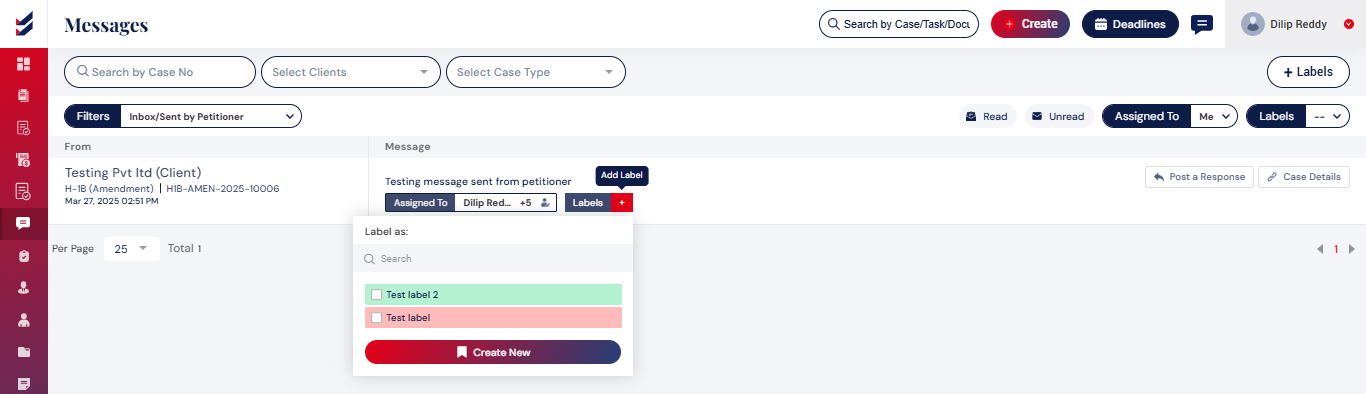
Users have the ability to organize their messages by creating a label and assigning it to a particular message.
To create labels, navigate to the messages page and click on labels page. A popup will be displayed for which name and background color are required to create a label. Once the user clicks on the “create” button, the label is created.
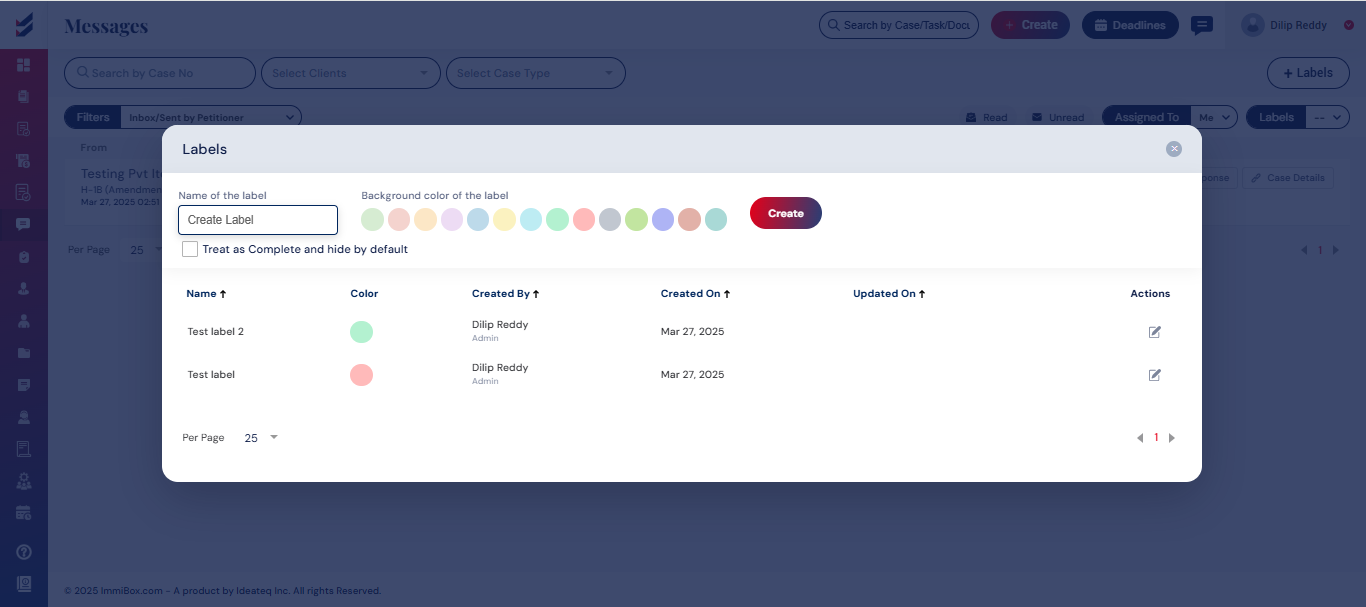
You can now attach the created label to the message by clicking on the “Add Label” option and selecting the appropriate label from the list.