



Issue Invoice
Invoices may be Issued by an Accountant, Branch Manager, or Administrator for cases created within the corresponding branch. They will have the ability to access all invoices and execute actions such as Add Fee, Initiate Invoice, and Edit Invoice. Invoices can be issued following the prescribed workflow. By default, the Accountant will be given access to this action.
Only the Accountant, Branch Manager, and Administrator are authorized to issue invoices.
To issue an invoice, it is necessary to include the applicable Fee and select them to issue Invoice.
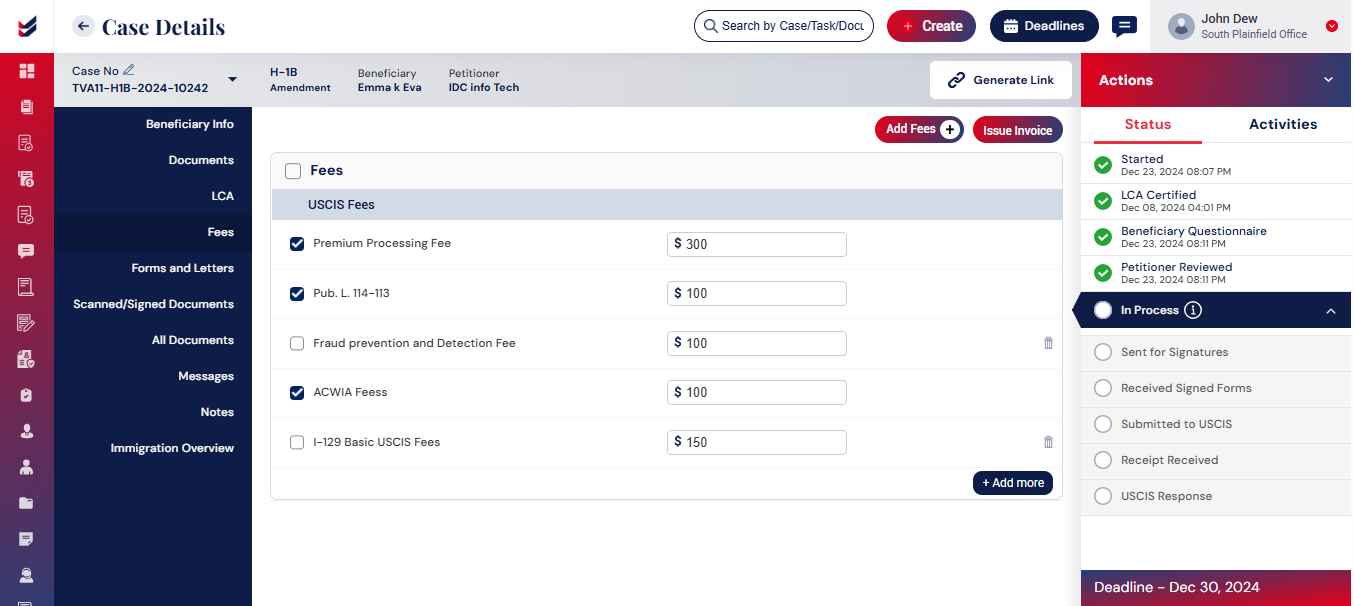
By clicking on the “Issue Invoice” button, the invoice will be generated, and an email will be sent to the Petitioner or the Beneficiary depending on the Case Type.
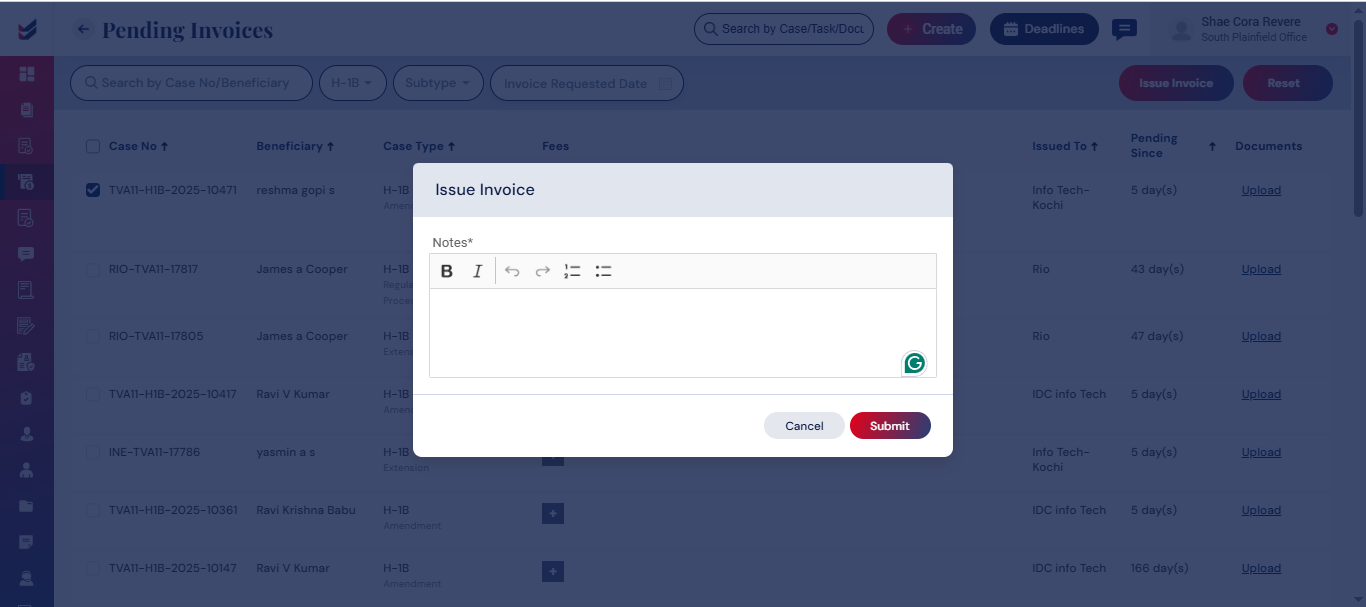
The Invoice may also be generated for the cases in the invoices section directly without navigating to Case Details. However, the same invoices will still be visible under Caes Details -> Fees/Invoices section.

