



Share Files to Others
The file can be distributed through the actions provided for the files.
Upon selecting the share option, a dialog box will appear showing all users with whom the file has been shared, along with the ability to choose a user from the dropdown menu to share the file.
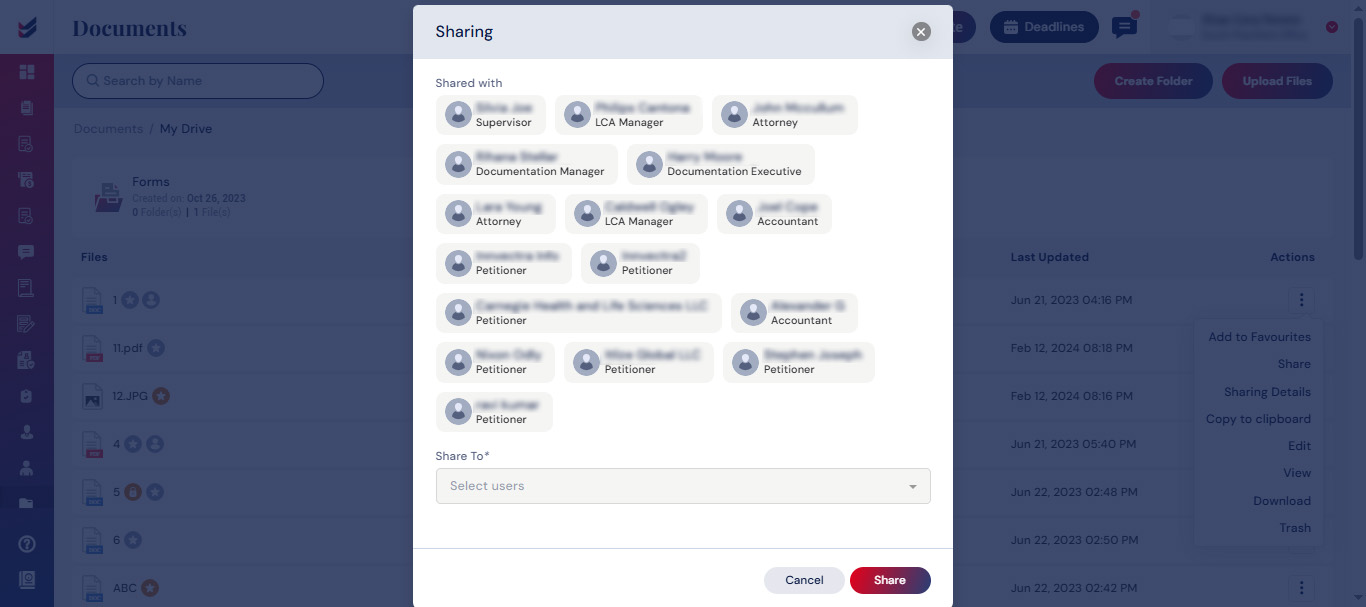
The file may be distributed to users selected from the dropdown menu labeled “Share To”. The file will be shared and will appear in the “Shared With Me” folder of the corresponding user.

