



Access Petitioners
A comprehensive list of all petitioners categorized by their respective statuses will be displayed by default, along with basic information. By selecting a particular record, you can view the status, personal details, business information, documents, and settings associated with that petitioner.
Click on Clients from the navigation bar
Click on Corporates which will direct you to the Corporate Clients page (Petitioners page).
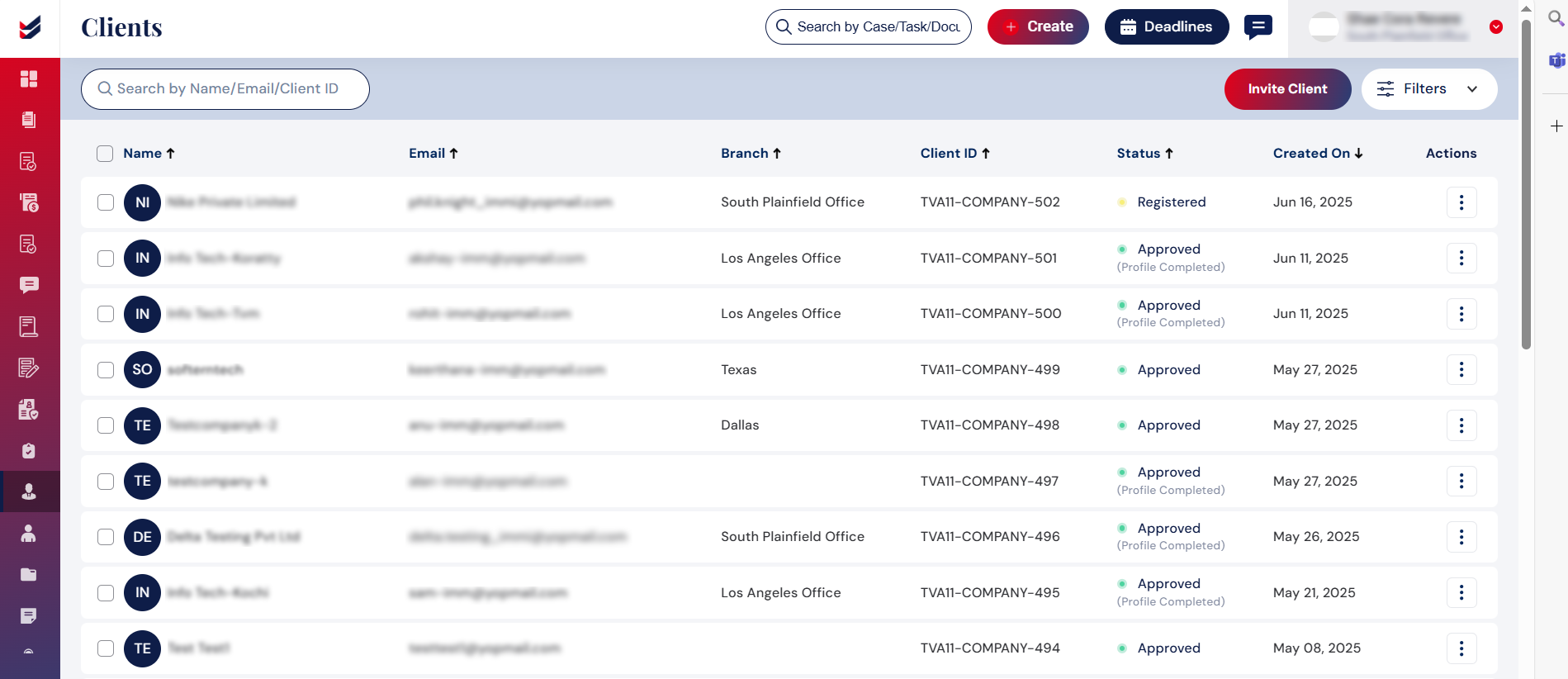
The information of the Petitioners will only be accessible once they provide the company details from their account.
Law Firm can edit or delete the Petitioner details on behalf of the Petitioner added.

