



Invite users by Petitioner
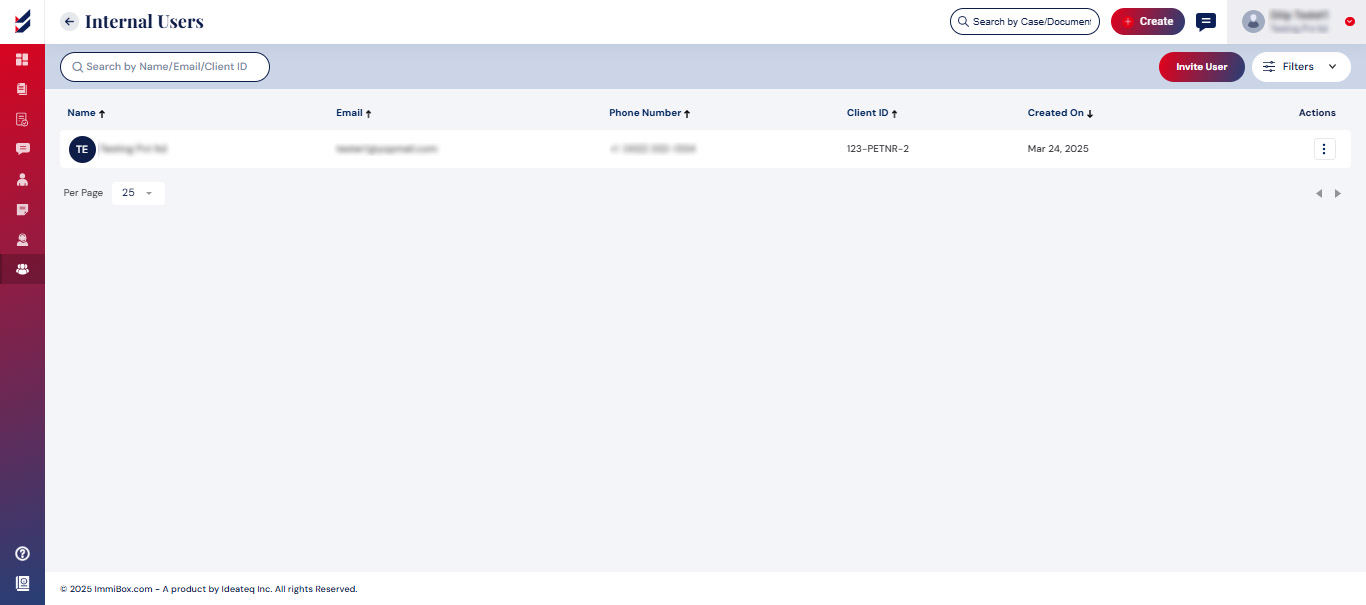
To invite a user, please click on the Invite User button. A popup will appear, prompting you to enter the name, email, and contact information of the invited user.
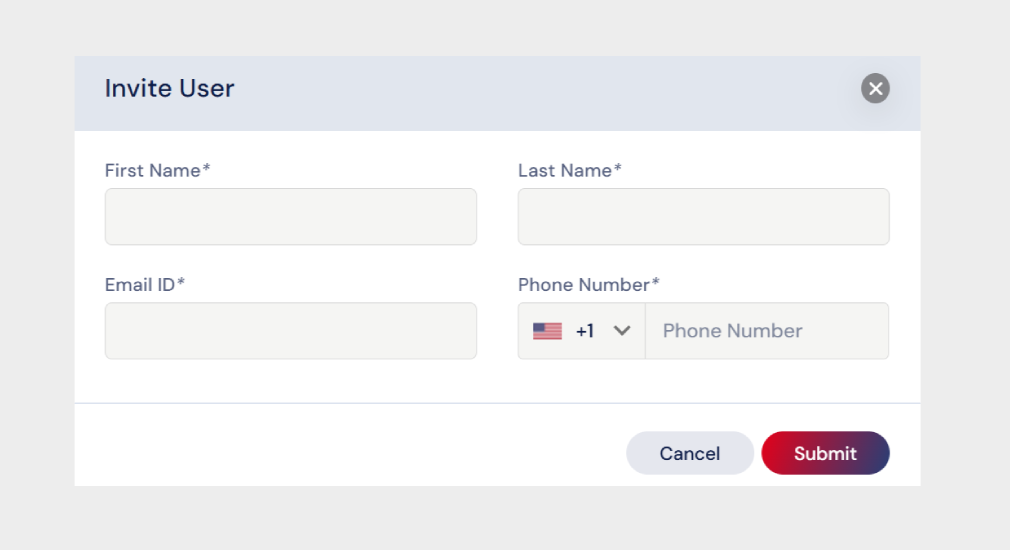
After submission, the user will get an email asking them to ‘Setup a Password’ and access to ImmiBox application.
Click here to learn how to “Setup Password for Internal Users for Client/Petitioner.”

