Overview
A Beneficiary can be invited with an account or without an account. The identical procedure can also be applied when creating a case.
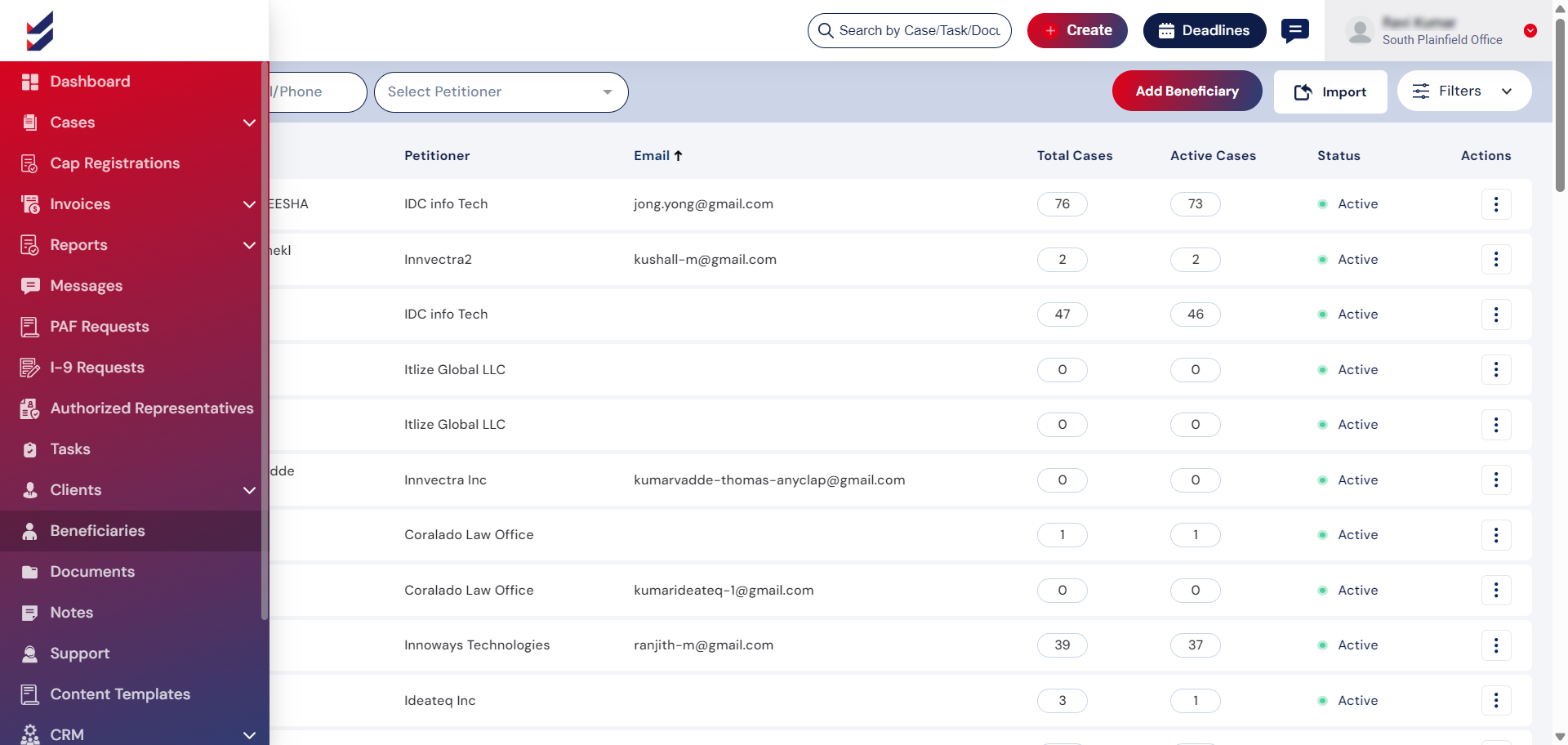
Access Beneficiaries:By default, a list of all Beneficiaries linked to your company will be shown, accompanied by essential information. By clicking on a specific record, you can expand the list to view all Active Cases associated with that Beneficiary. Selecting an individual case will direct you to the Case Details, where you can carry out actions related to the case.
Click on Beneficiaries from the navigation menu.
Click on Add Beneficiary which will trigger a popup.