View, Edit, Download and Delete Form
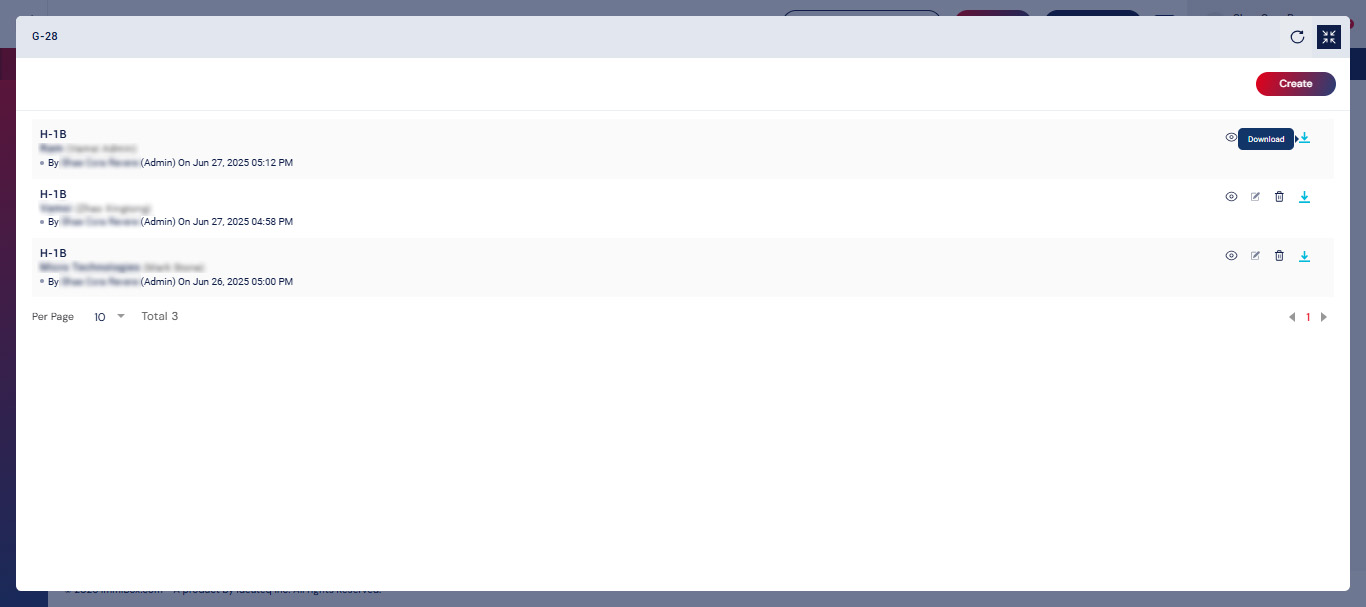
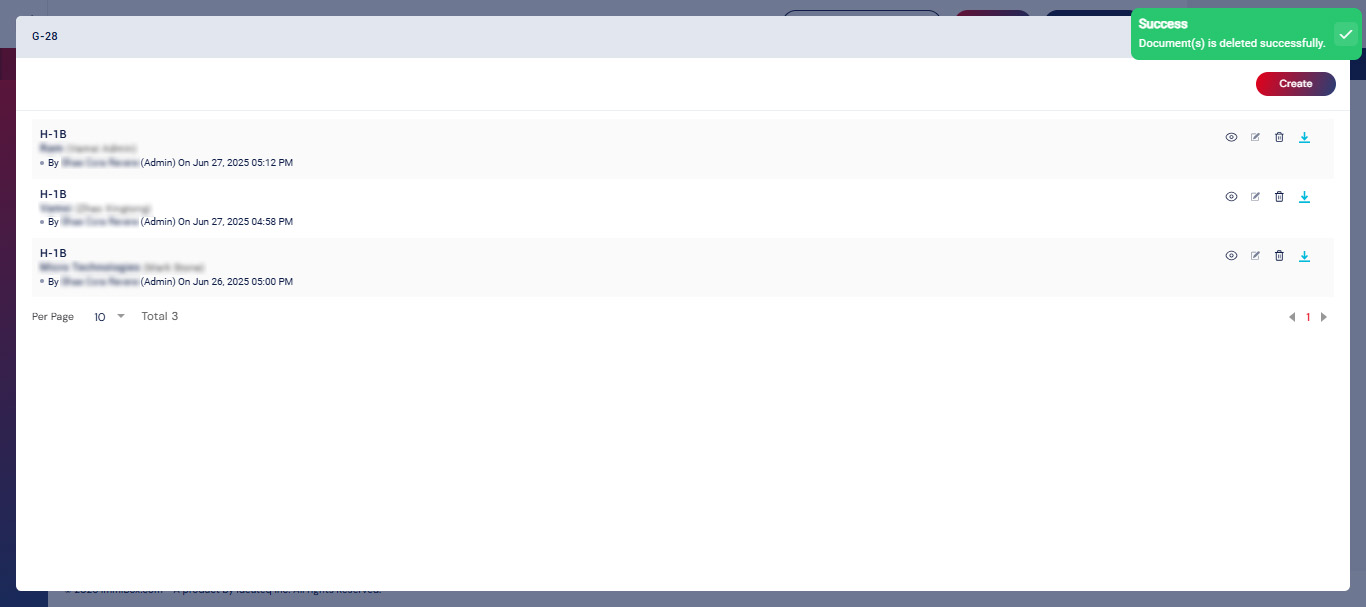
Upon submission of the details, the G-28 form is created and is capable of executing actions related to the form. The form is accessible for viewing, editing, downloading, and deletion.
View Form
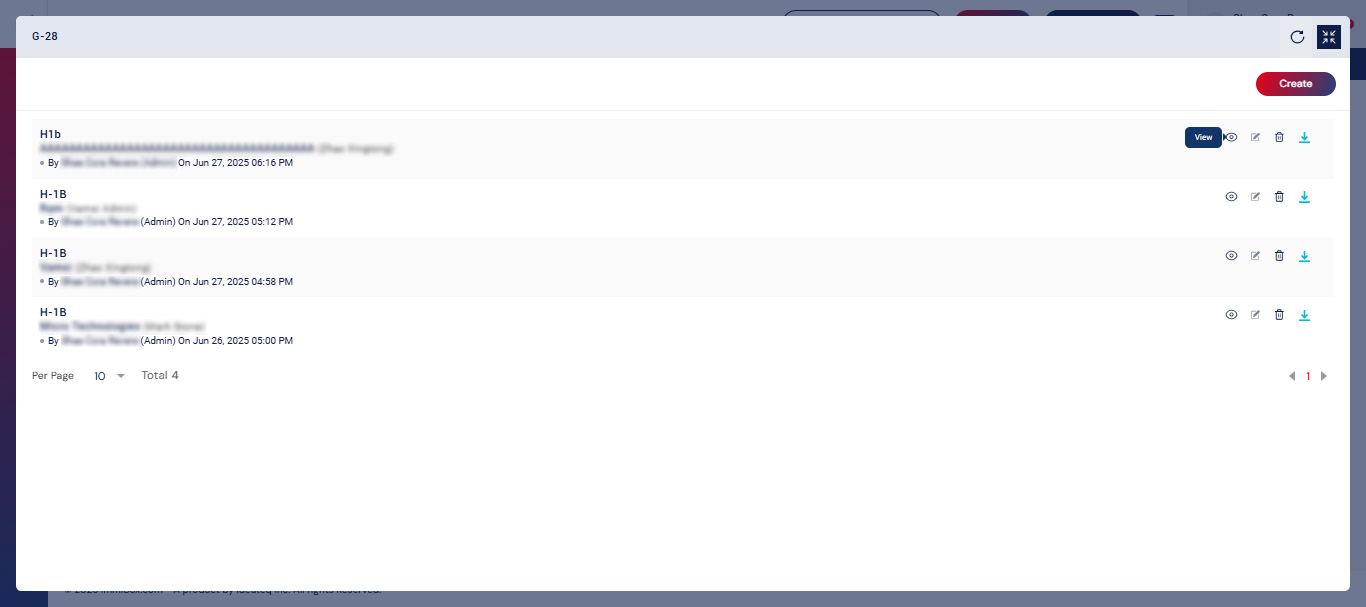
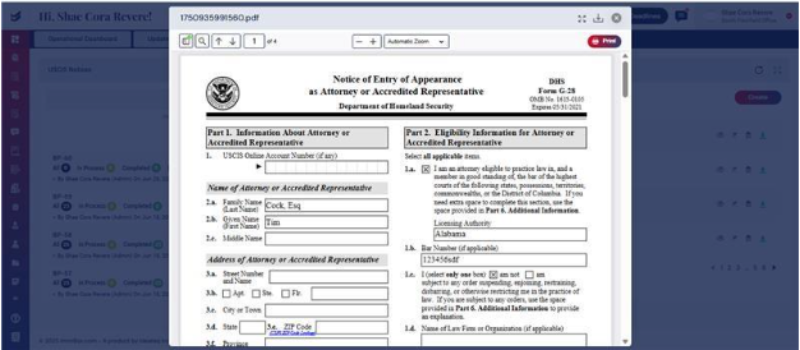
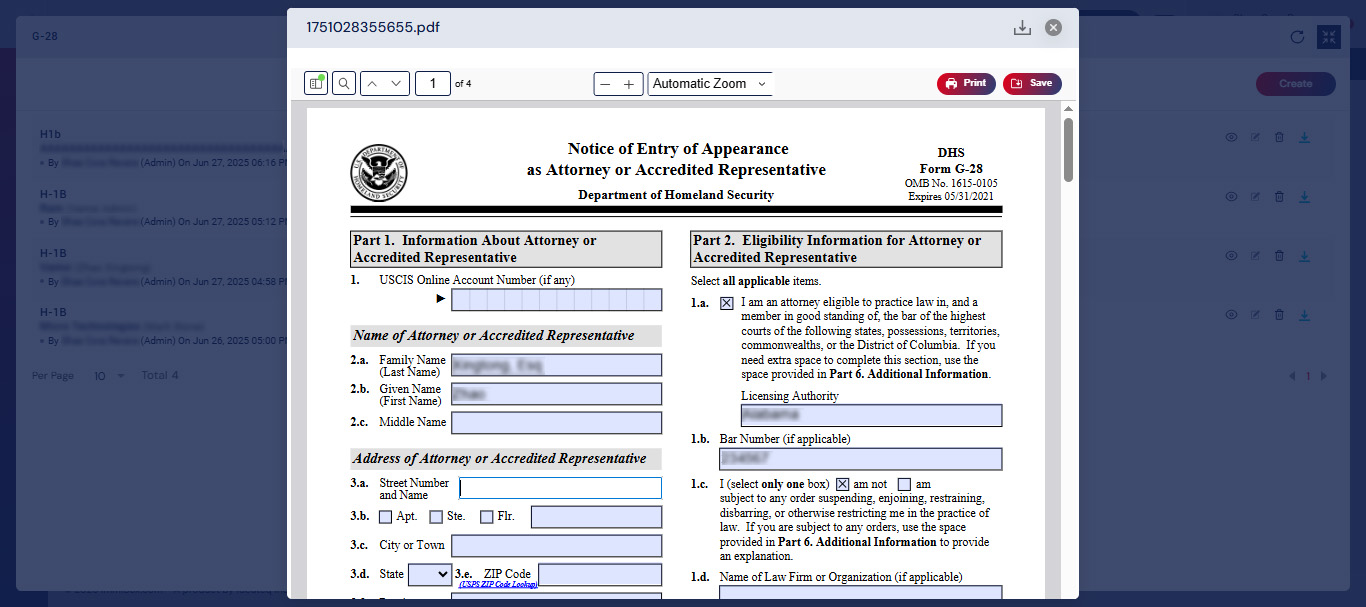
Click the View icon to preview the completed G-28 form.
This opens the form in a readable format, allowing you to verify all entered details before submission or download.
Edit Forms
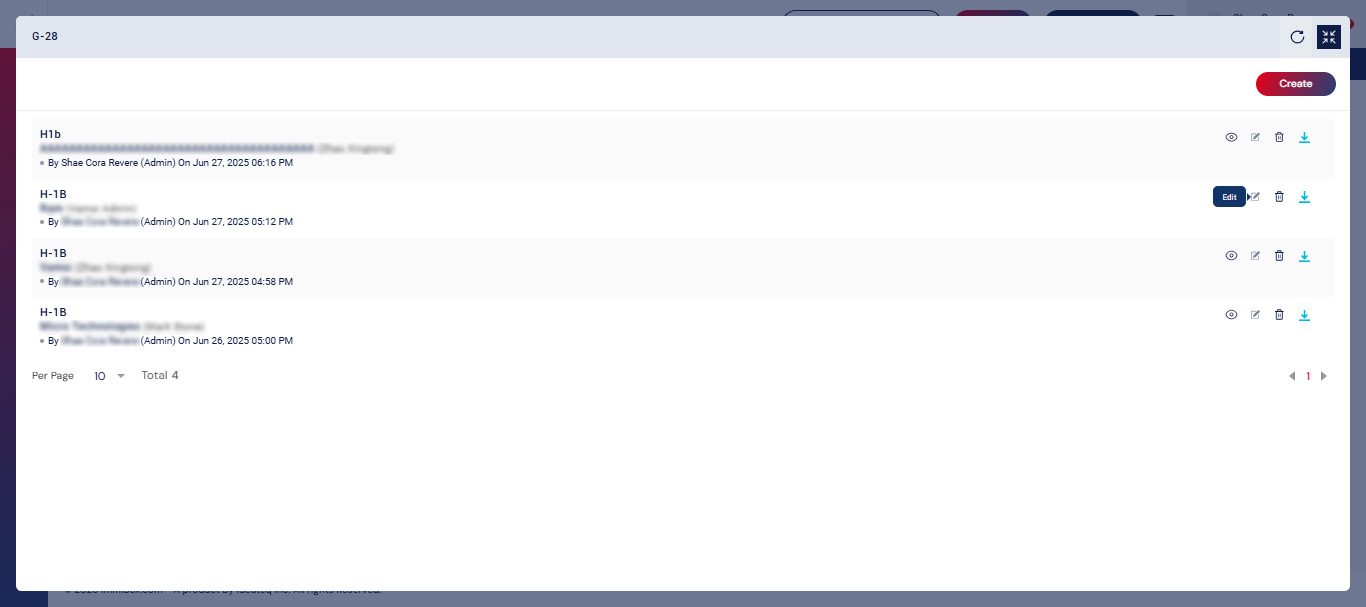
Use the Edit icon to make changes to any of the information previously entered. This will reopen the input fields, letting you update attorney details, applicant information, or other data as needed.
Delete Form
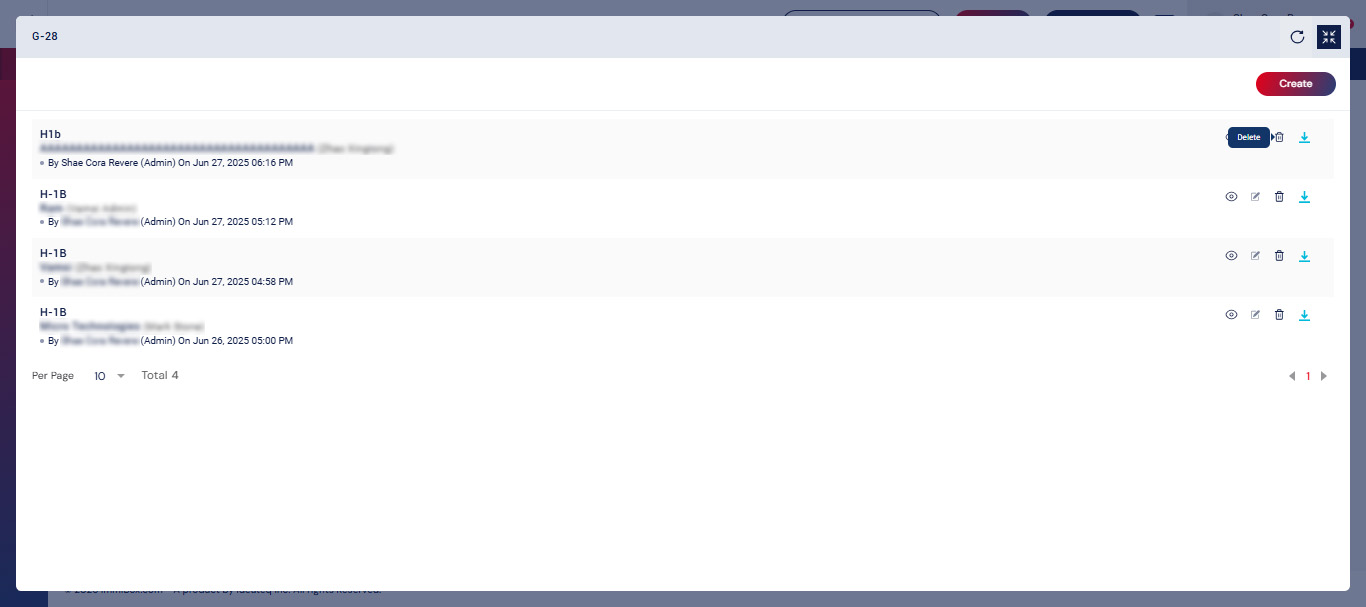
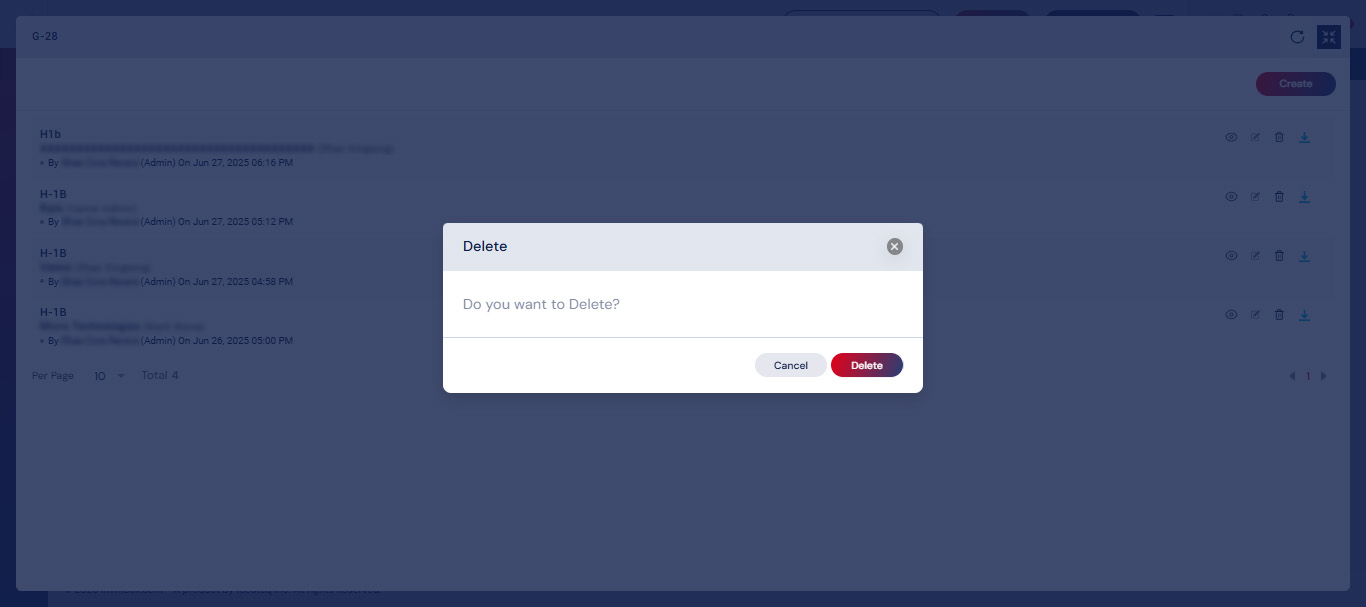
Select the Delete icon to remove the generated form from the system.
Note: This action is irreversible. Once deleted, the form will need to be re-generated from scratch.
Download Form
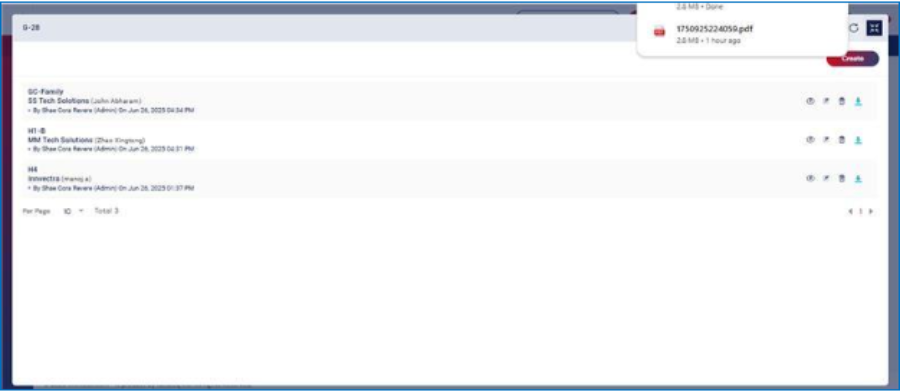
Click Download icon to save a copy of the filled G-28 form as a PDF. You can use this copy for your records or submit it manually, if needed.