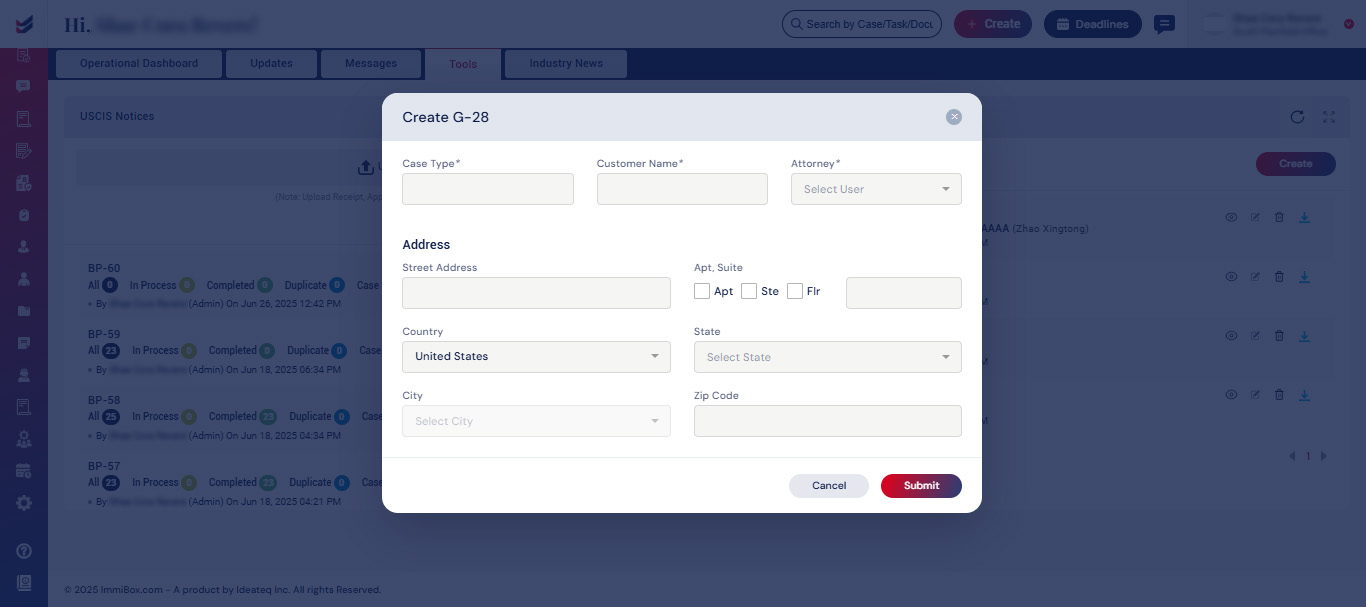
Generate G-28 Form
To create a G-28 Form, it is necessary to go to the Tools tab located on the Dashboard page and click the “Create” button found on the G-28 widget.
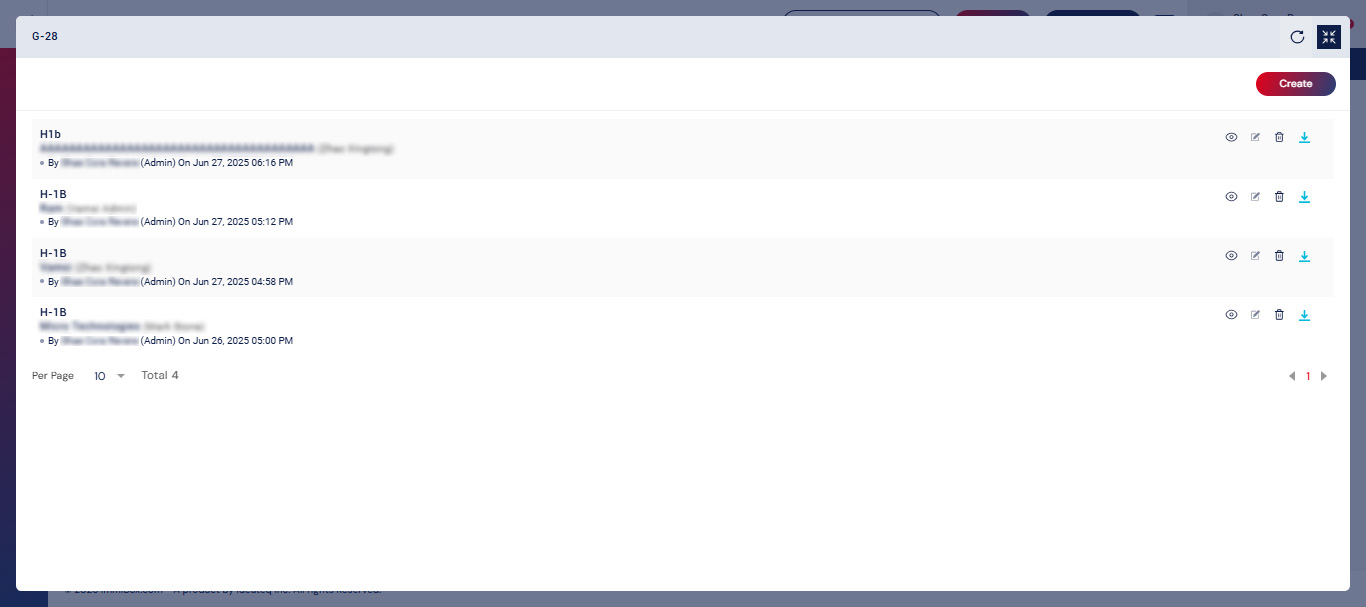
We need to provide details such as the Case Type, Customer Name, Attorney, and Customer Address to generate a G-28 Form.