



Create a Workflow
To initiate a workflow, click on “Add Workflow”. A pop-up box will then appear, prompting us to choose the workflow template, enter the Workflow name, and select the flow type as either Free-Flow or Sequential before clicking on save.
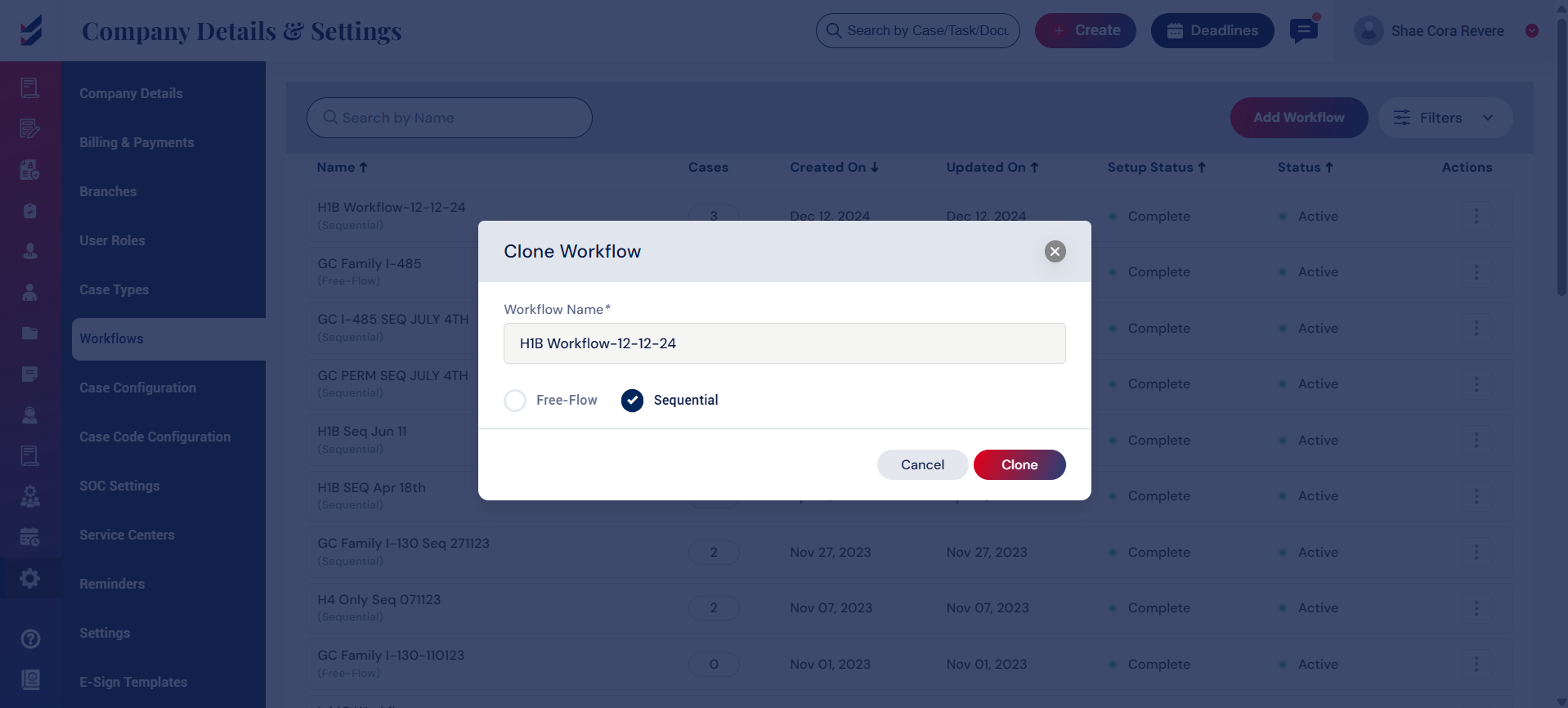
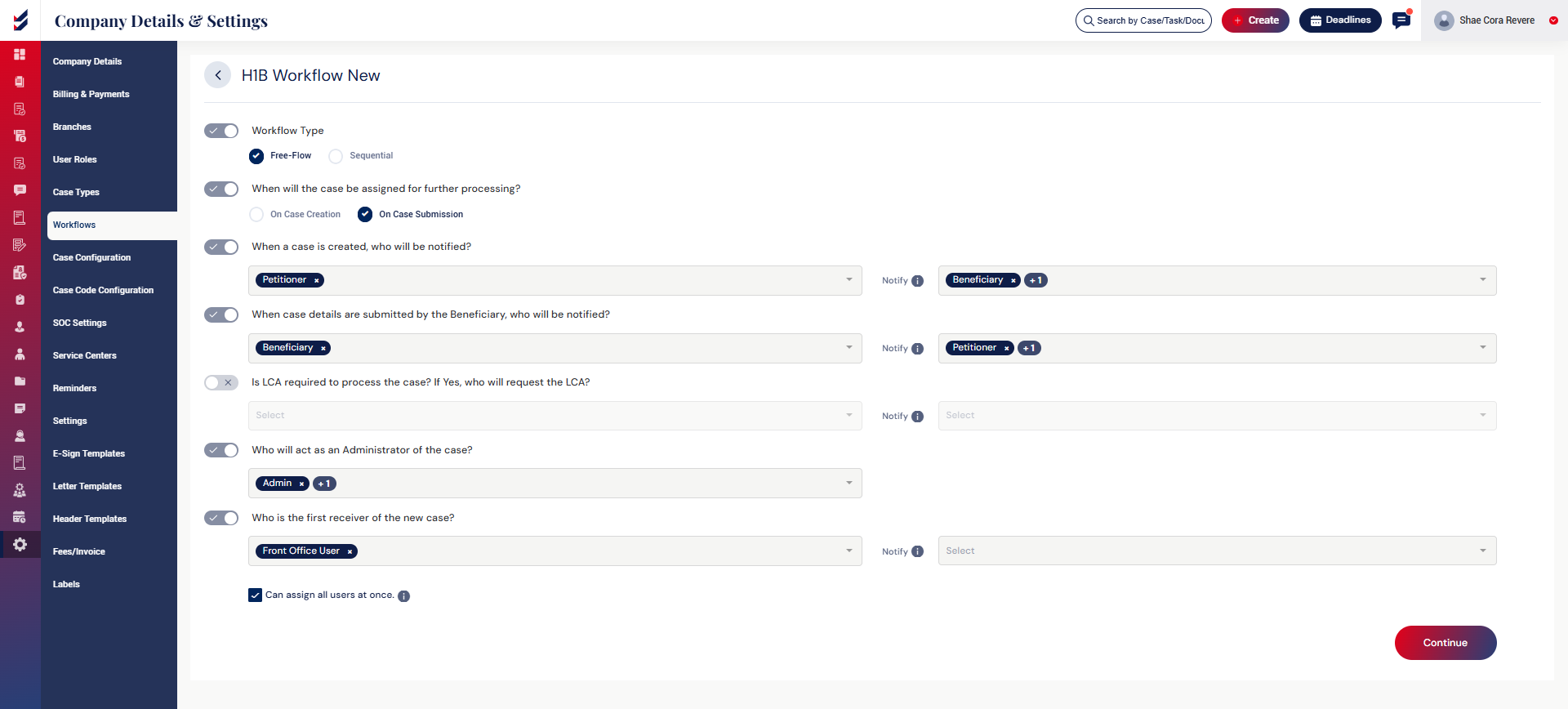
After saving, we can assign Editors and Watchers for the activities related to the case. Once we have selected all the editors and watchers and clicked on the “Continue” button, the workflow will be finalized and activated. After the workflow is finalized and activated, we can configure this workflow within the case configuration for a specific case.
Click here to learn How to configure a workflow for a case.

