



Change Workflow
The Workflow may be changed for a specific Case Type and its corresponding Subtype through the Case Configuration.
By clicking on “Change Workflow,” all available Workflows will be presented, allowing the Administrator to choose necessary Workflow for the Case Type and its respective Subtype.
A Workflow can also be reviewed by selecting the ‘Preview’ button.
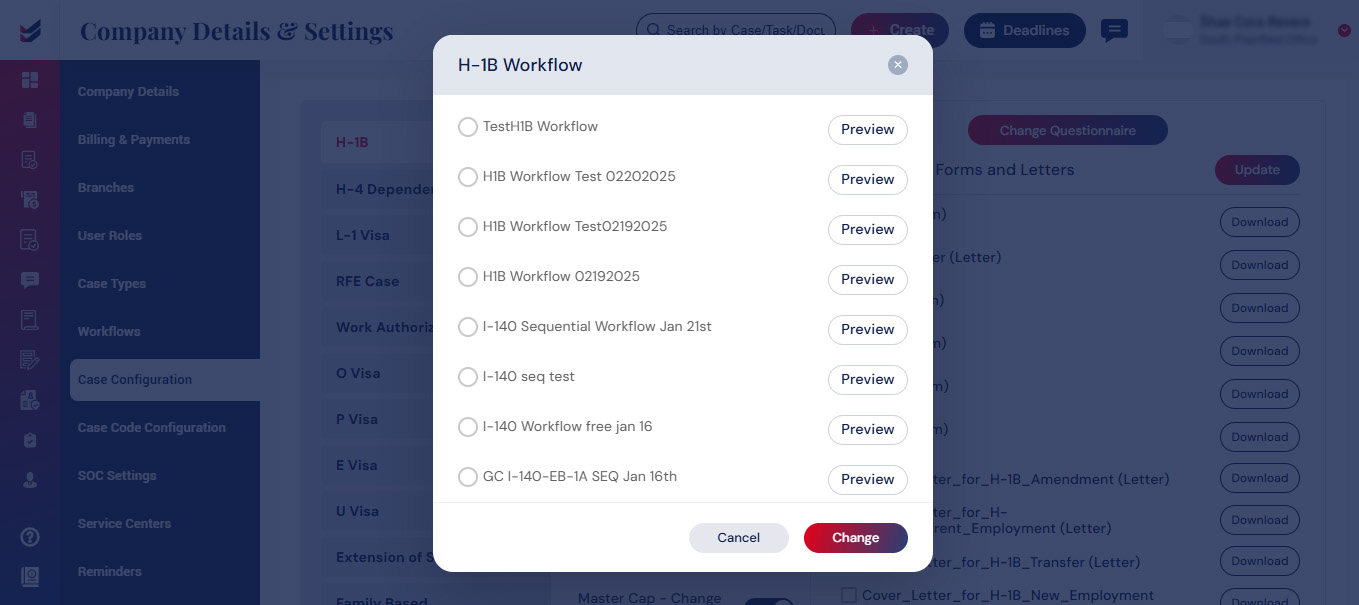
If the Administrator selects “Change” button, the updated Workflow will be implemented for the Case Type along with the corresponding Subtype.

