



Assign Documentation Manager
To designate a Document Manager, the user should click on the actions button and choose the option to Assign Documentation Manager. This action will open a popup window where users are required to select a Documentation Manager from the users dropdown menu and enter a comment.
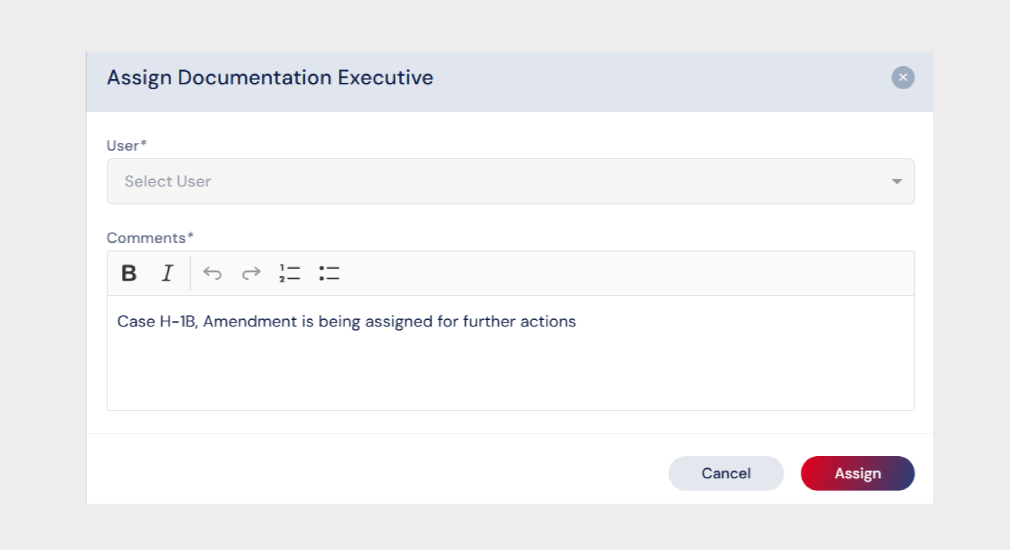
By clicking the Assign button, the chosen Documentation Manager will be assigned to the case and a notification will be sent to the Documentation Manager intimating the same.

