



Invite Users
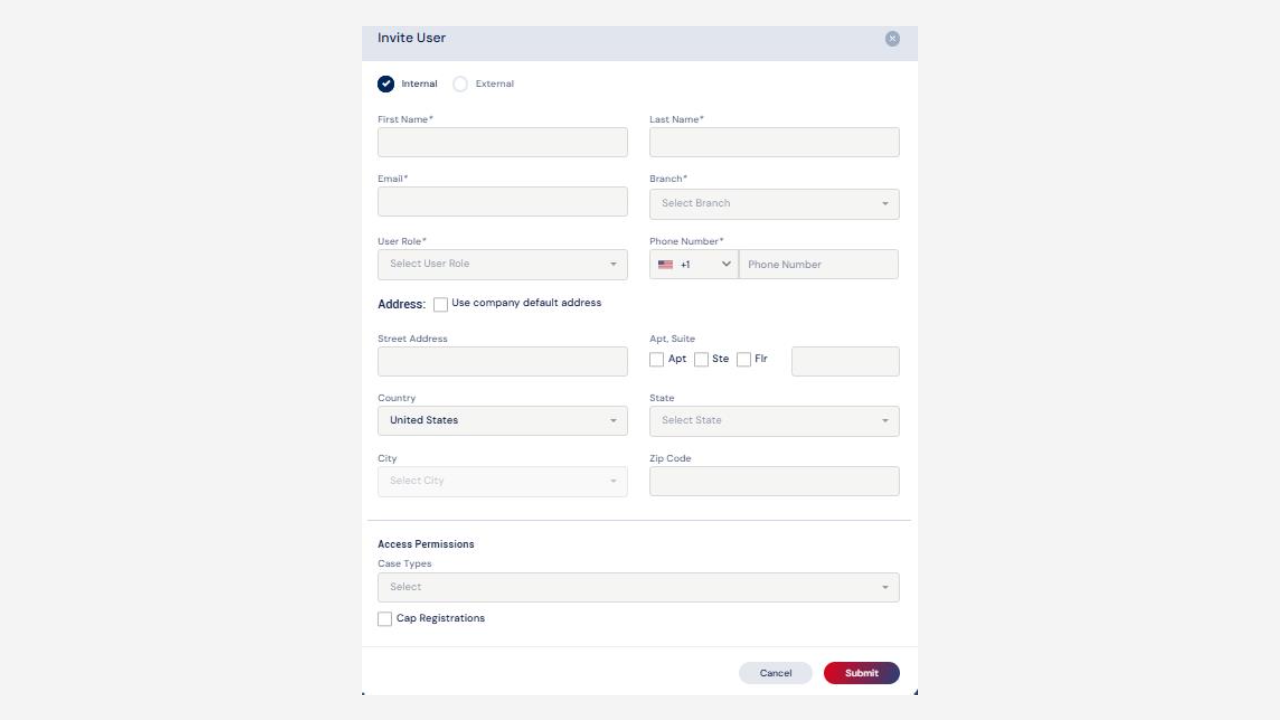
Select the ‘Invite User’ option, which will open a pop up for entering the user’s details, role, and access permissions regarding case types.
Depending on the designated role of the created users, they may be assigned to the case to perform their respective tasks.
Admin can provide permissions for any case types by selecting them from the dropdown.
Cap Registration can also be enabled by selecting the check box.

