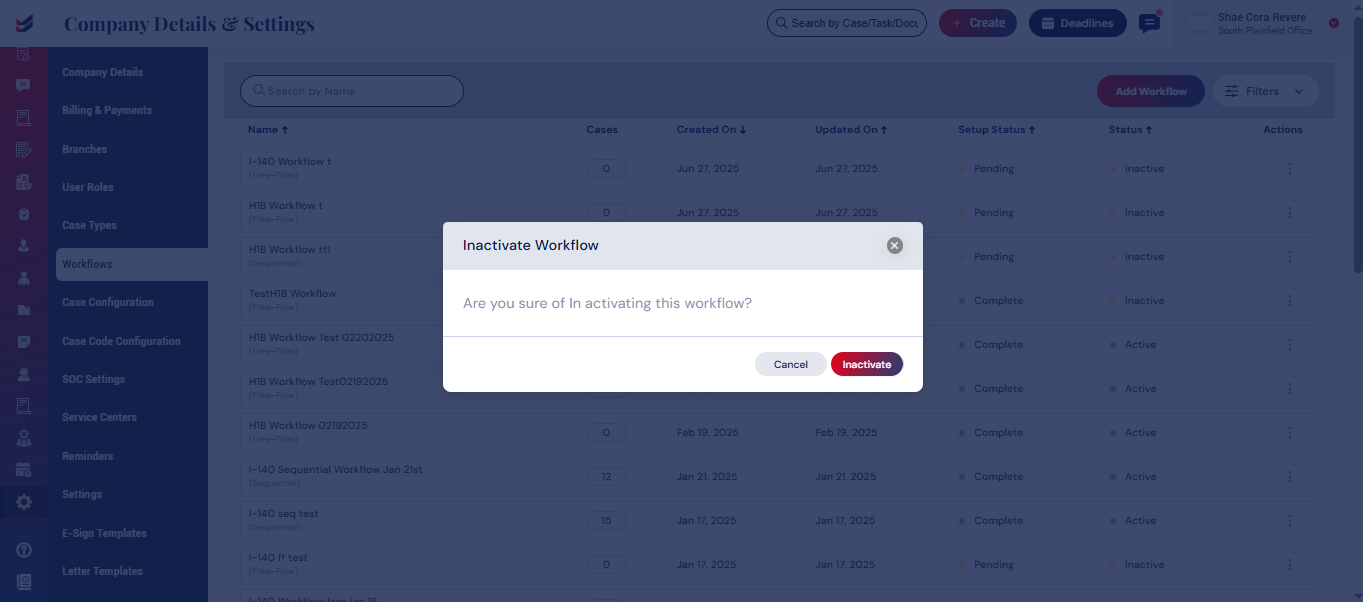
Customize a Workflow
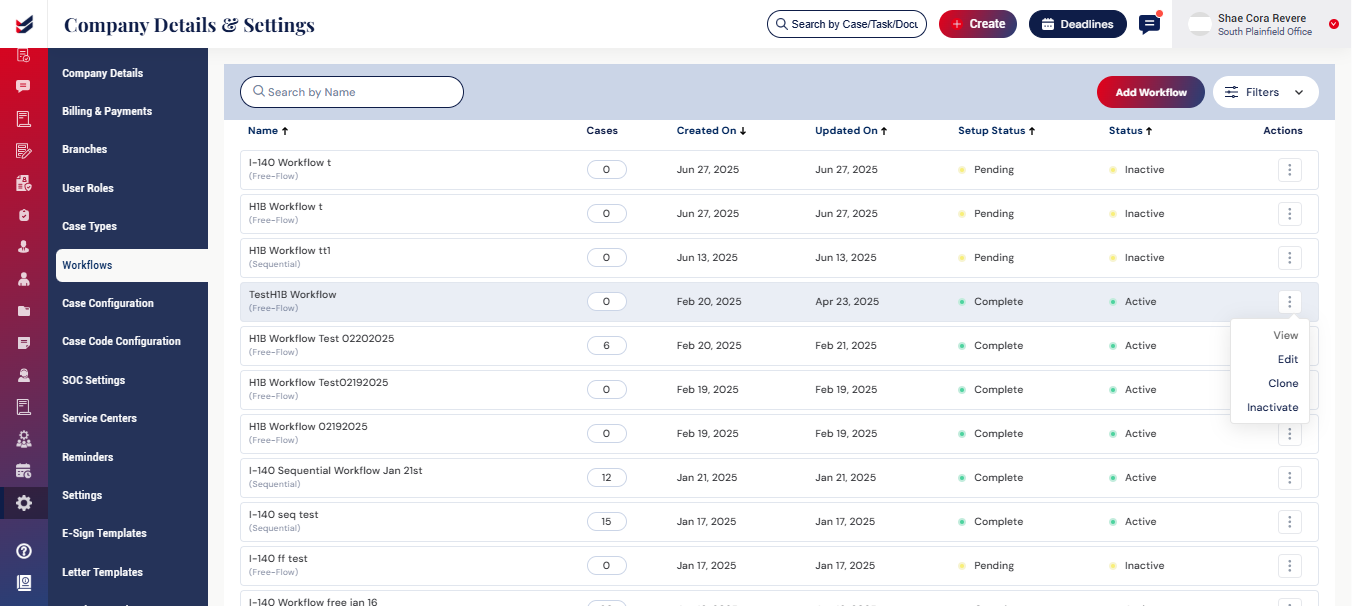
We have the ability to View, Edit, Clone, and Inactivate the workflow from the Actions.
 View Workflow
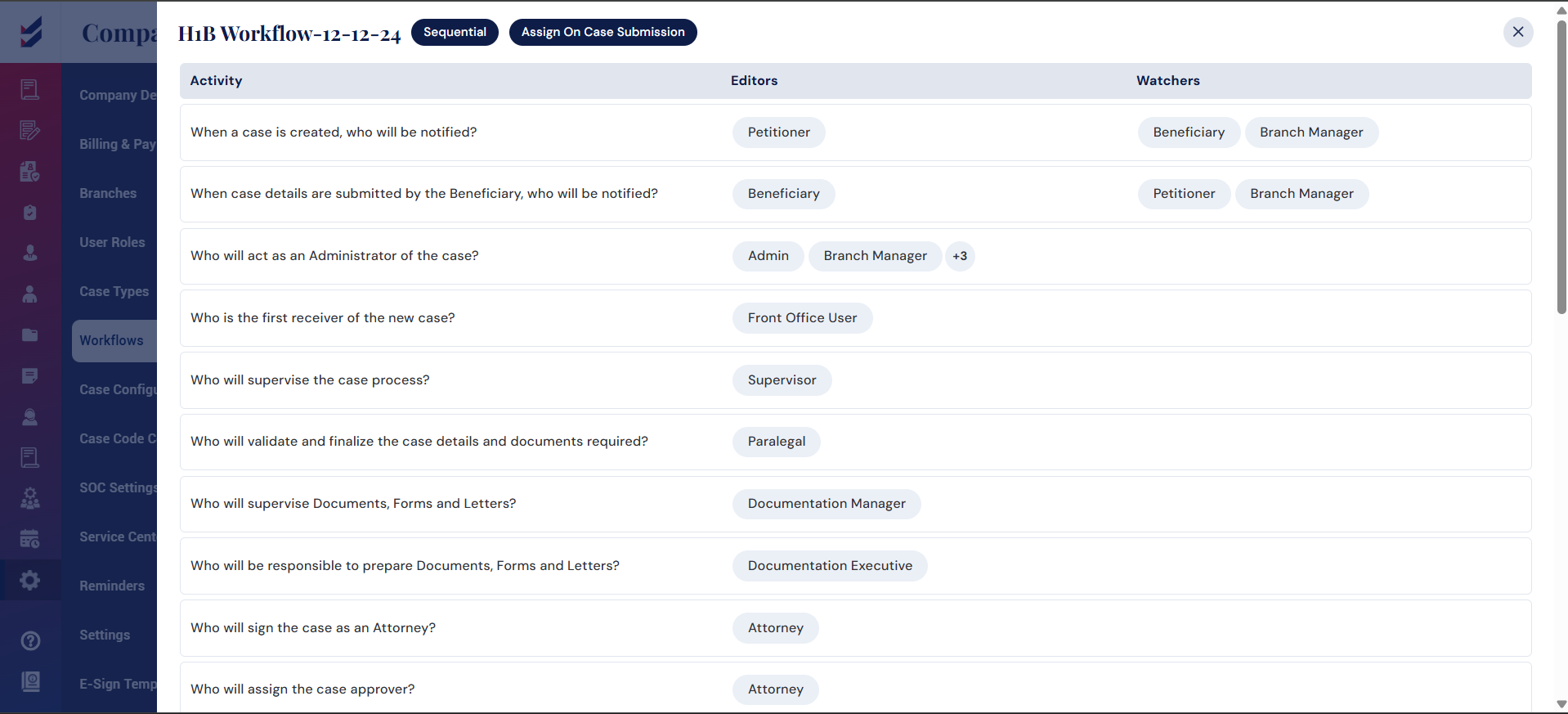
We can use the View option to see the complete structure and details of the workflow assigned to a case.
 Edit Workflow
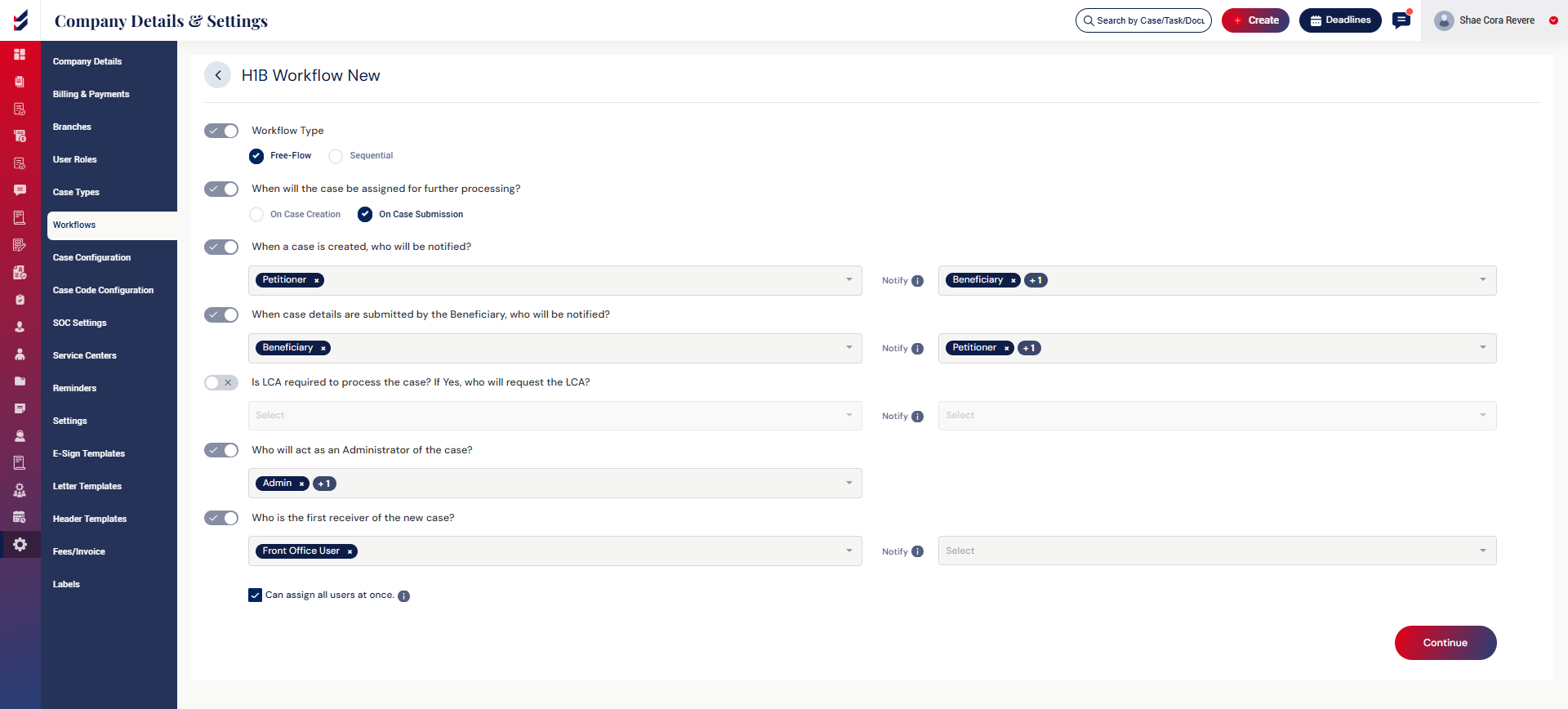
Click Edit to modify the existing workflow.
We can update the Editors and Watcher for each activity.
Note: Only the workflows that are not linked to any case are Editable. The condition is that the cases created for that workflow should be Zero.
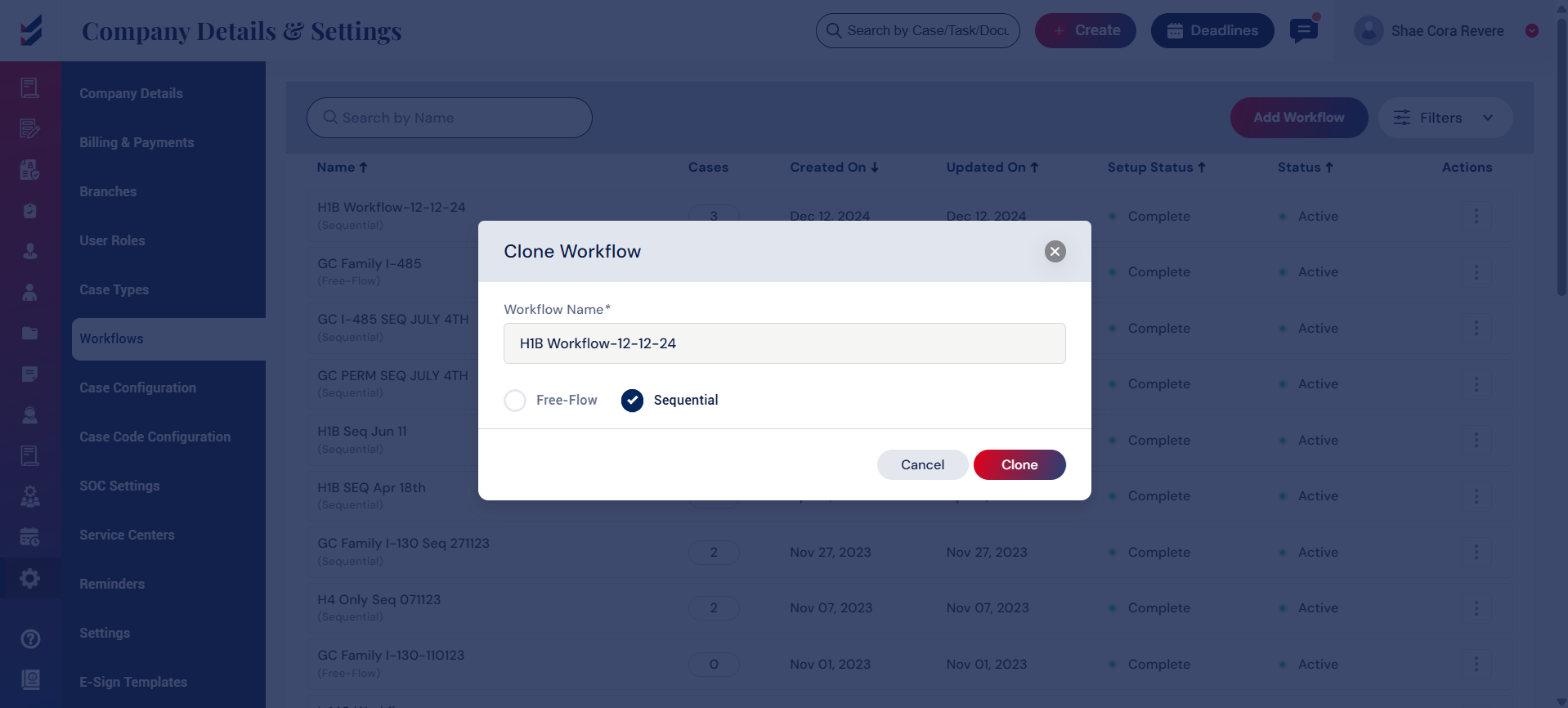
 Clone Workflow
The Clone option lets you duplicate an existing workflow.
This is helpful when creating a similar process for any case without creating it from scratch. You can then edit the cloned version as needed.
 Activate/Inactivate Workflow
Use Inactivate to disable a workflow that is no longer in use.
This prevents the workflow from being configured for a case in case configuration. Note: Only the workflows that are not linked to any case can be inactivated. The condition is that the cases created for that workflow should be Zero.