



Upload or download Forms and letters
Users have the option to upload supplementary Forms and Letters by utilizing the upload button, where they can designate the file as either a Form or a Letter within the same tab.
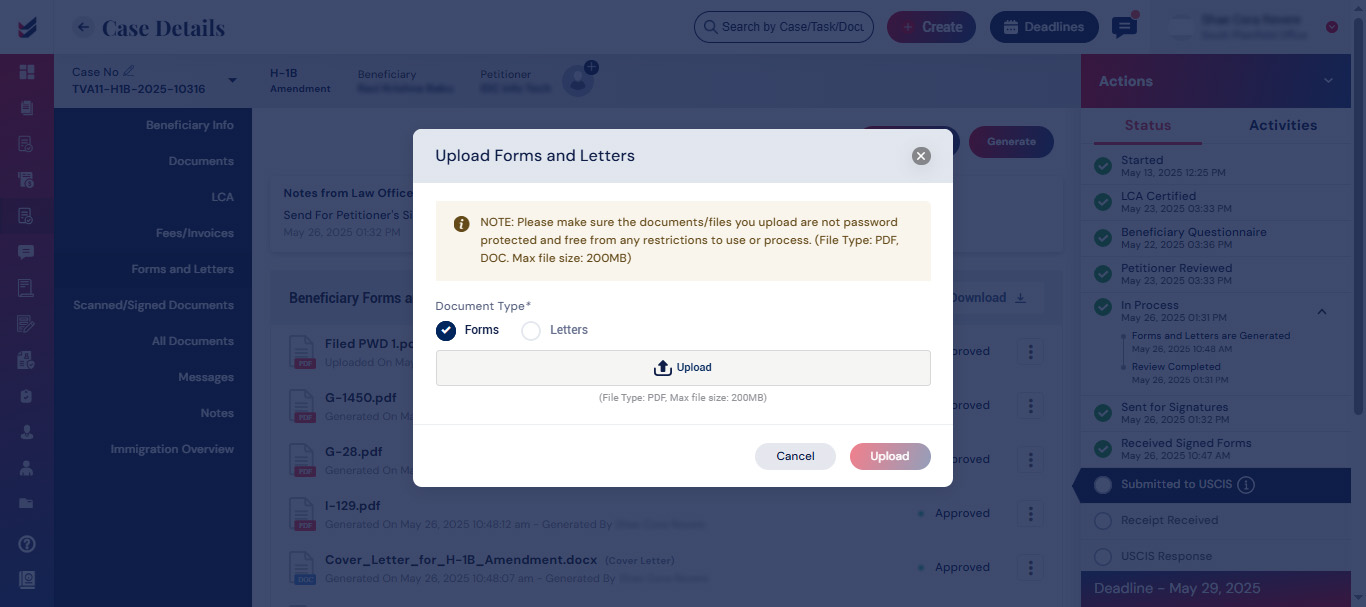
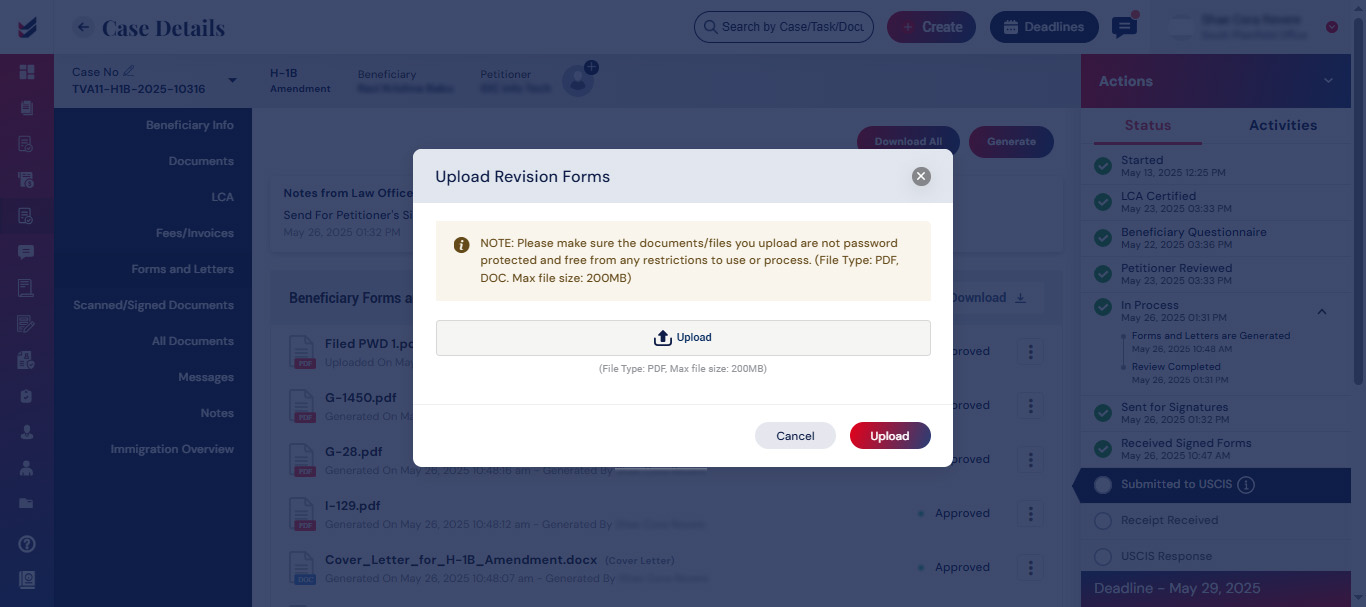
Additionally, a revision Form or Letter can be uploaded by selecting the ellipsis button “(⋮)”.
The forms and letters that have been generated can be downloaded collectively by utilizing the “Download All” button. Alternatively, you have the option to download specific Forms and Letters by clicking the download button and selecting only the required items.
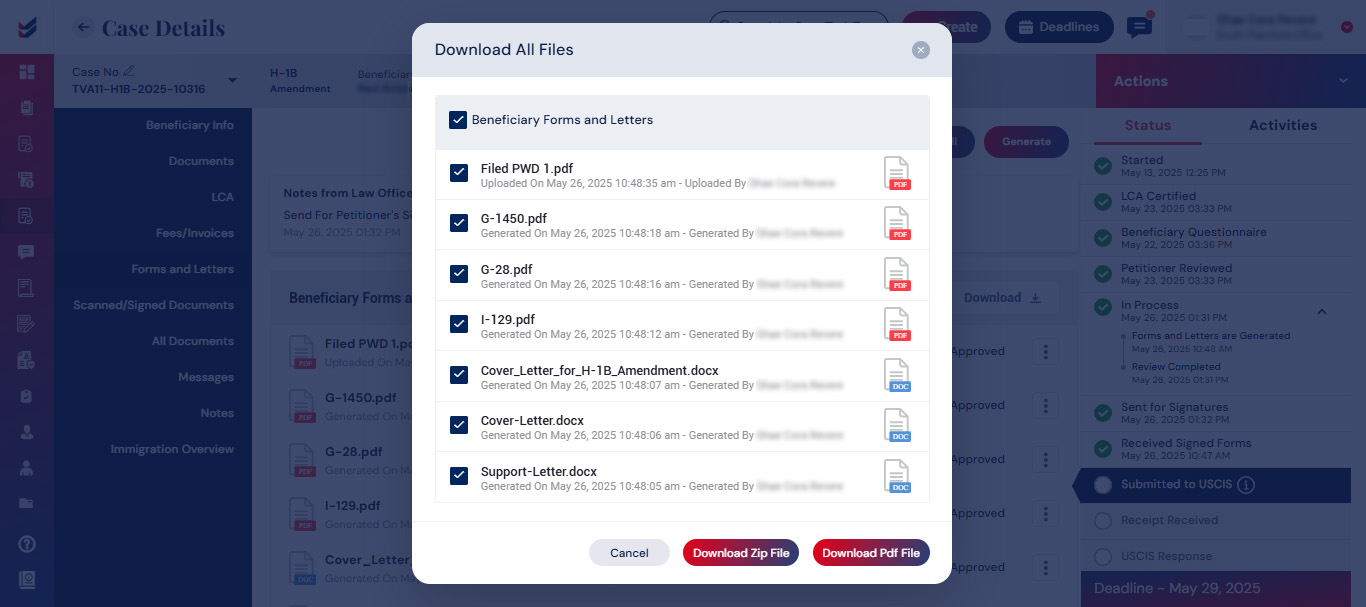
Click here to see how to download all files and documents in a single file to prepare the docket for submission.

