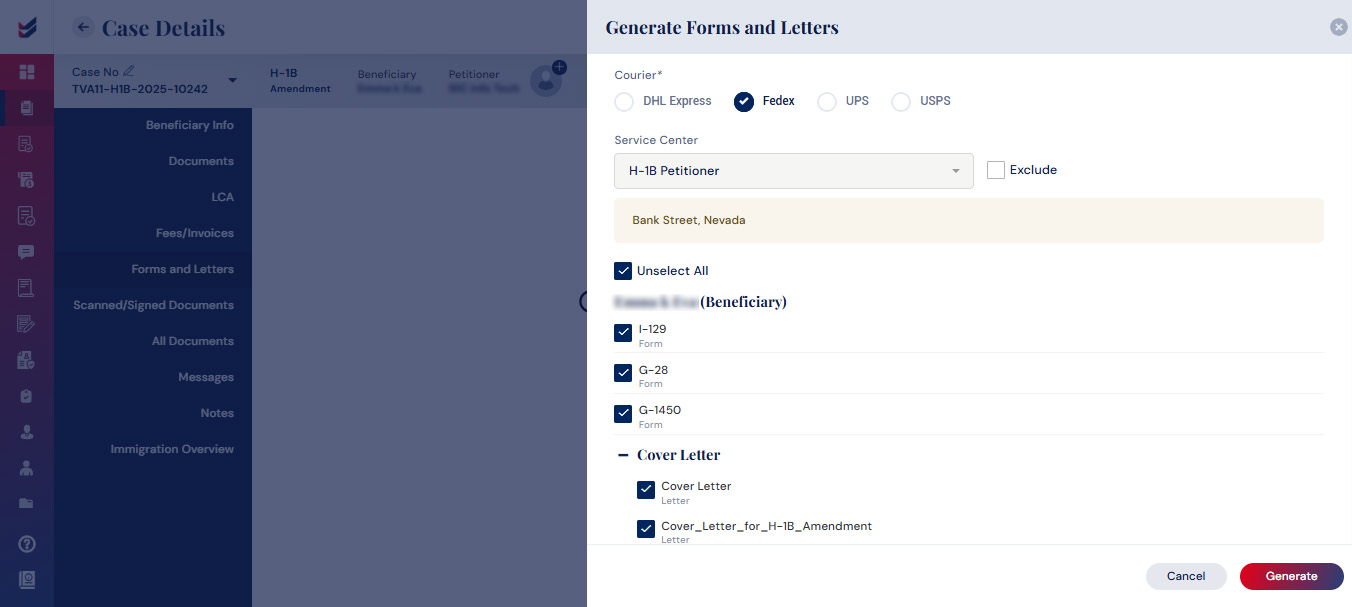
Generate Forms and Letters
Forms and letters can be created by clicking the Generate button located in the Forms and Letters tab from the left navigation of ‘Case Details’. By default, all necessary forms and letters for the case will be pre-selected. Users have the option to deselect some of them before generating the Forms and letters.
Assigning the right Attorney to the case is essential to generating Forms and Letters. User must make sure to do it prior to performing this action.