



Change Questionnaire
The Questionnaire can be modified for a specific Case Type and its corresponding Subtypes under the Case Configuration.
By clicking “Change Questionnaire”, all available Questionnaires for the Law Firm will be displayed, allowing the Administrator to select necessary Questionnaire for the Case and its respective Subtype.
A preview of the Questionnaire is available to review all the questions contained within that questionnaire.
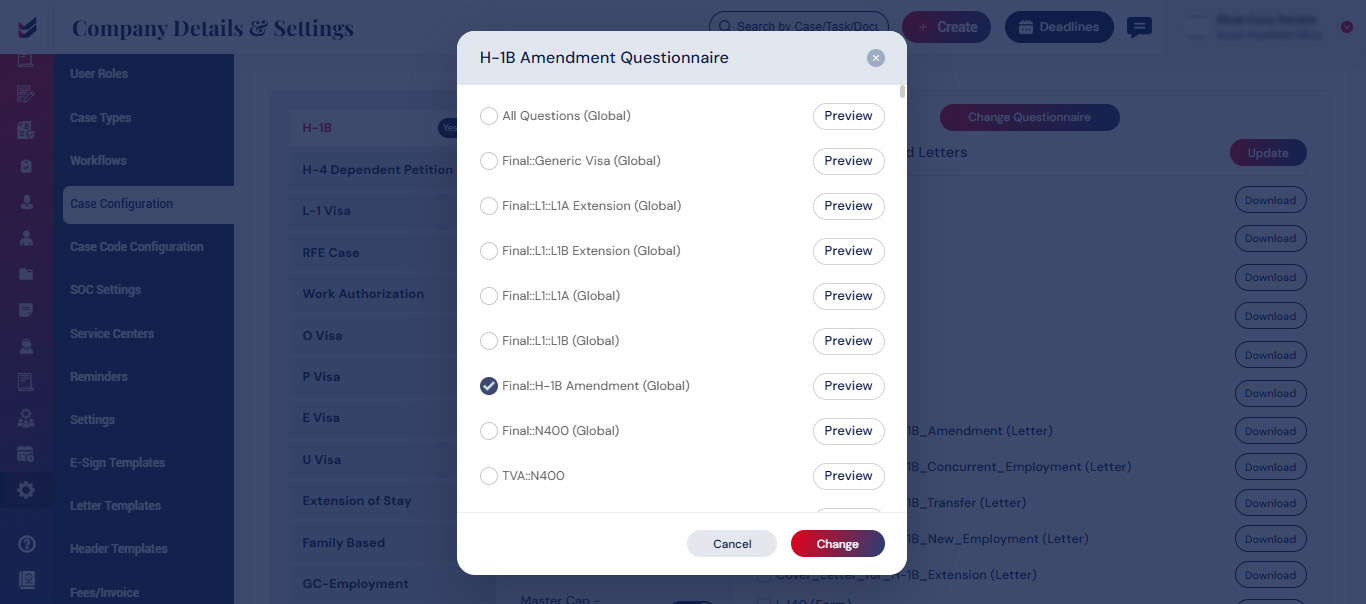
A dialog box will emerge if the Case Configuration is already associated with any Case(s). Select one of the available options: “Update Existing” or “Create New”.
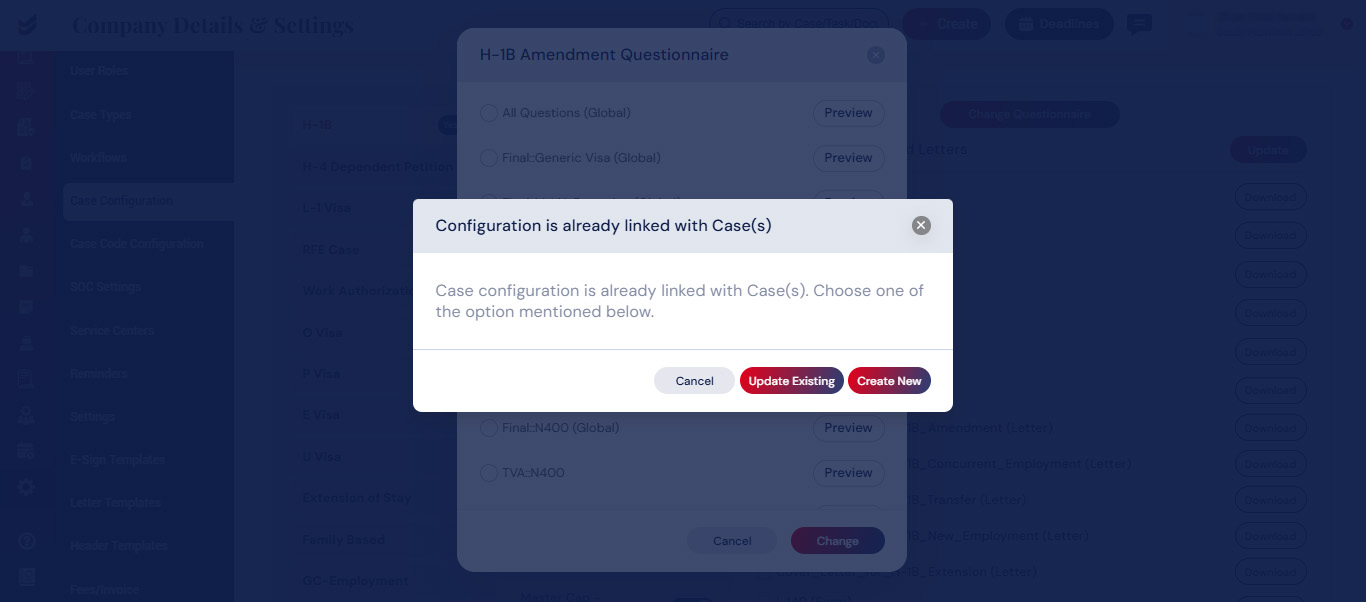
If “Update Existing” is selected, the selected Questionnaire will be changed in both the Existing cases and any new Cases that are created henceforth.
If “Create New” is selected, the selected Questionnaire will only be changed for the new cases generated henceforth.

