



Request LCA
The “Request LCA” option is intended solely for the purpose of requesting an LCA, which must subsequently be Certified with the appropriate documentation.
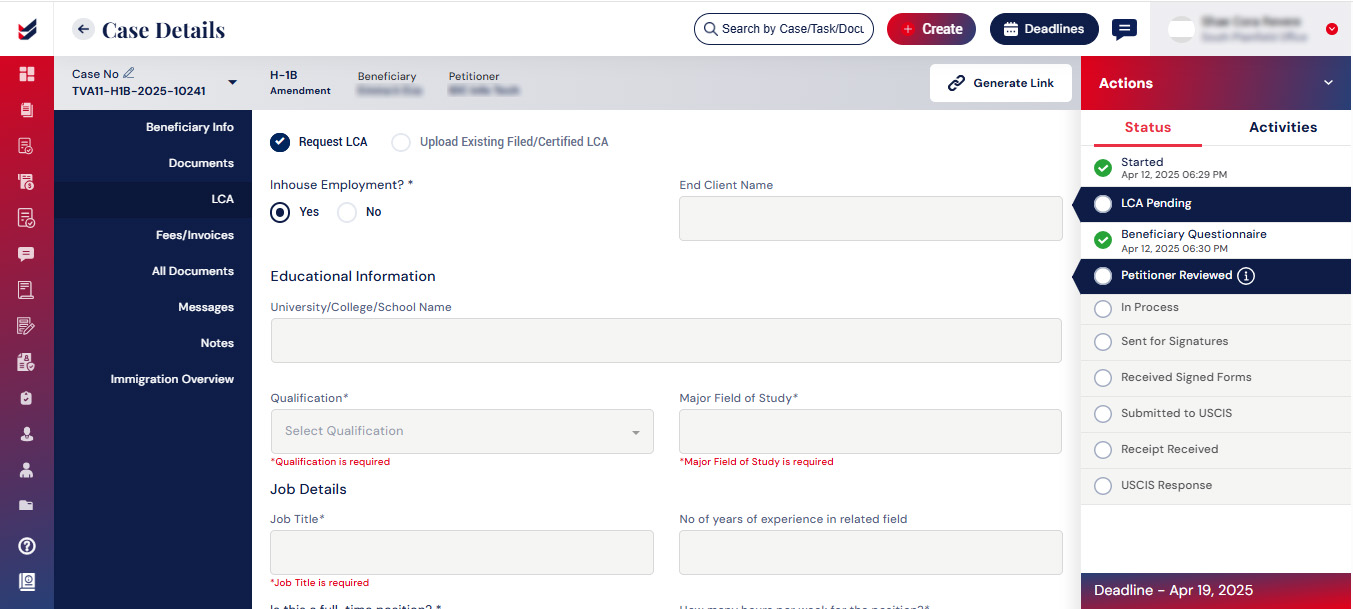
After the user has completed all necessary fields, the LCA is ready for submission. The submitted LCA will initially be marked as “Initiated”. It can then be Filed or Certified by uploading the appropriate documents.
The status of the LCA can be changed from actions of case details by clicking on “Update LCA Status”.
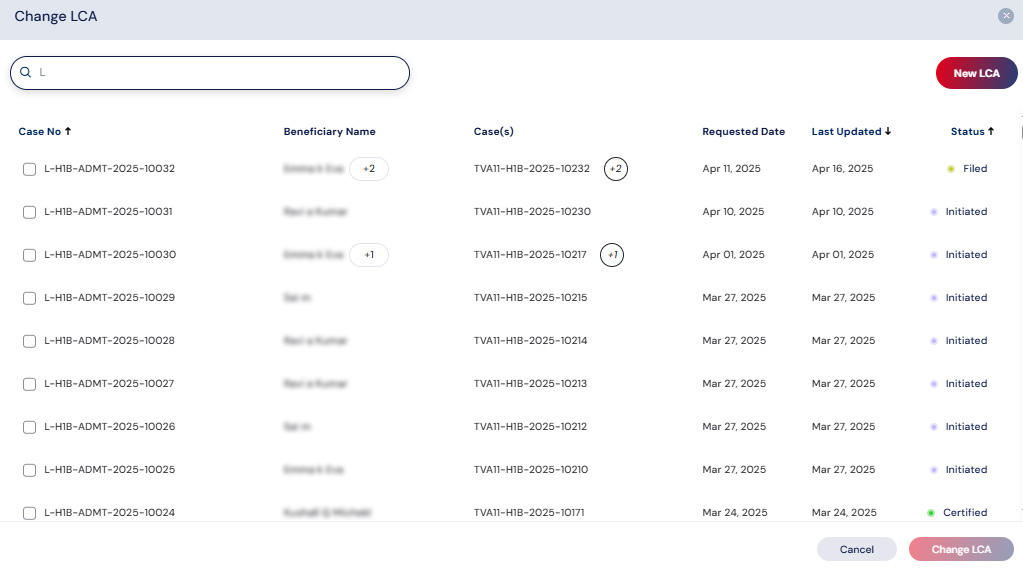
Users can also change the LCA for the Case with the option “Change LCA” in actions of case details.
The LCA can be saved as a draft, allowing the user to modify the LCA details at a later time.

