



Invite Individuals
Invite an individual by clicking on the “Invite Individual” button.
A dialog box will appear, requesting the user input their first and last name, email address, and contact number.
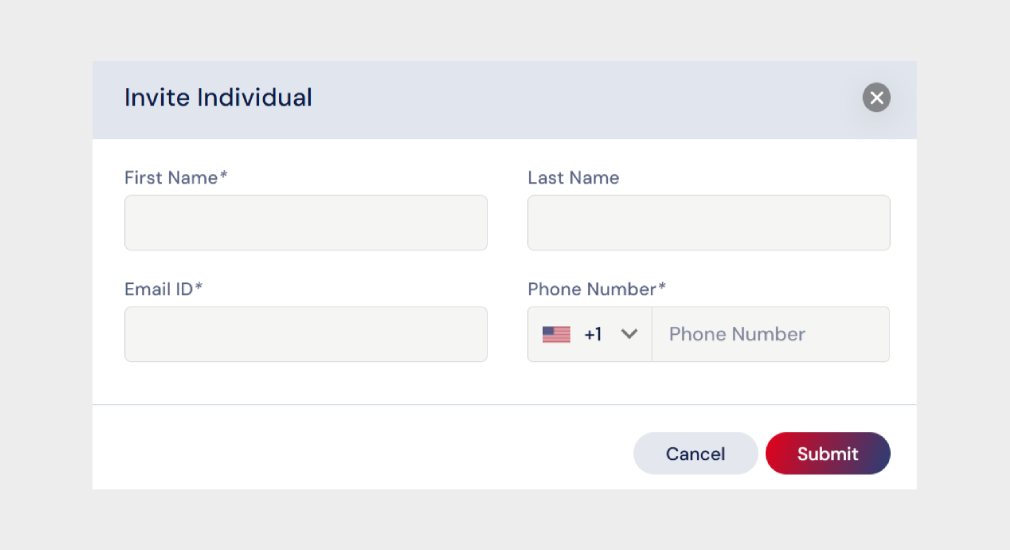
Once it is submitted, the individual will be added to the list and an email invitation will be sent to the Individual to setup their account.
Click here to learn how to set up a password for a Client/Petitioner.

