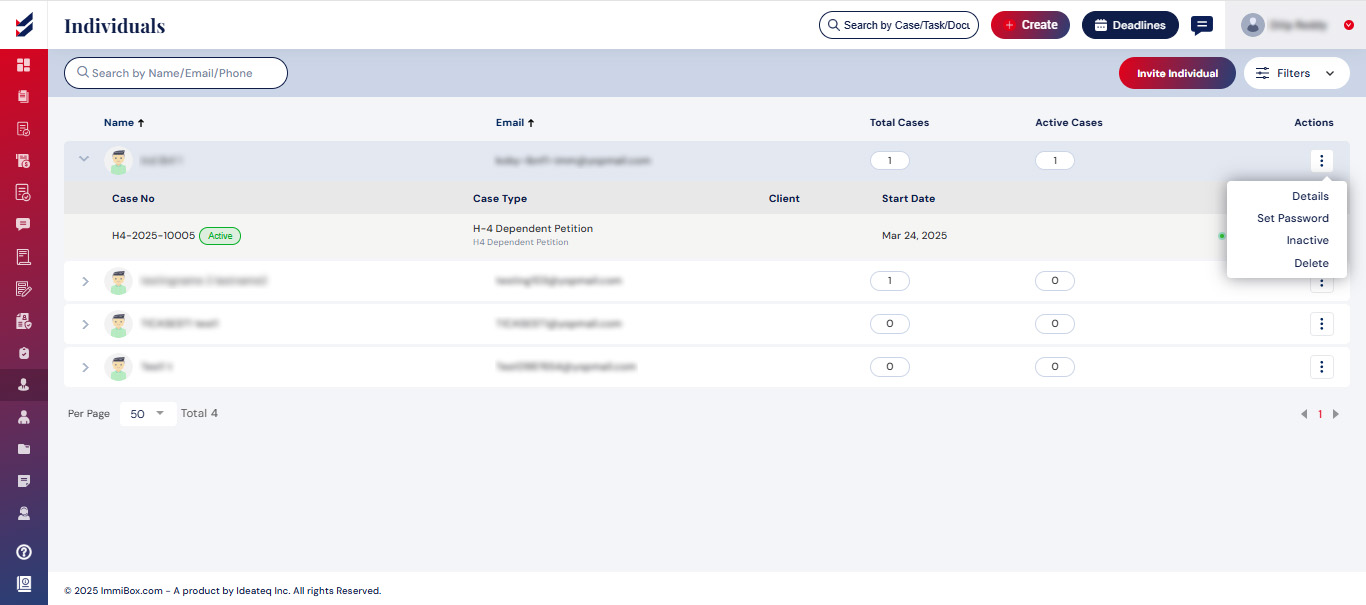
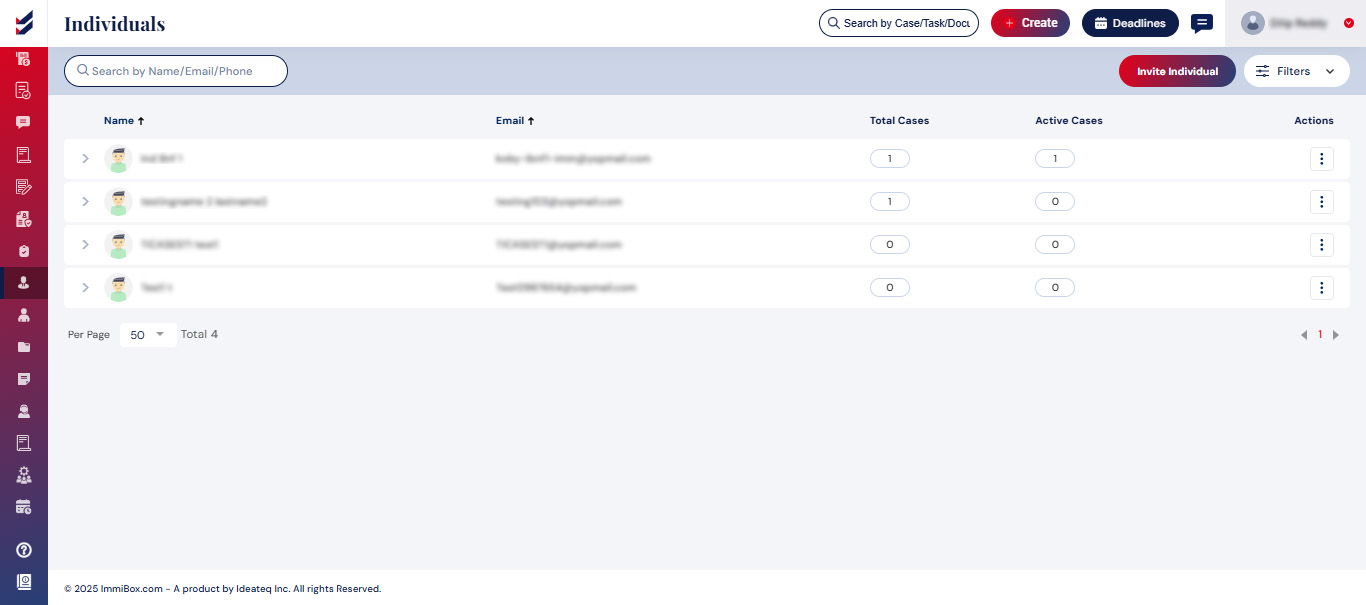
Access Individuals
Initially, a comprehensive list of all individuals will be displayed, along with pertinent information. By selecting a particular record, you can expand the list to see all Active Cases linked to that individual. Choosing a specific case will take you to the Case Details, where you can perform actions related to that case.
Click on Clients from the navigation bar
Click on Individuals which will direct you to the Individuals page.
User can also view details, set password or delete the individual added using the ellipsis button (“⋮”)