Setup Password for the account
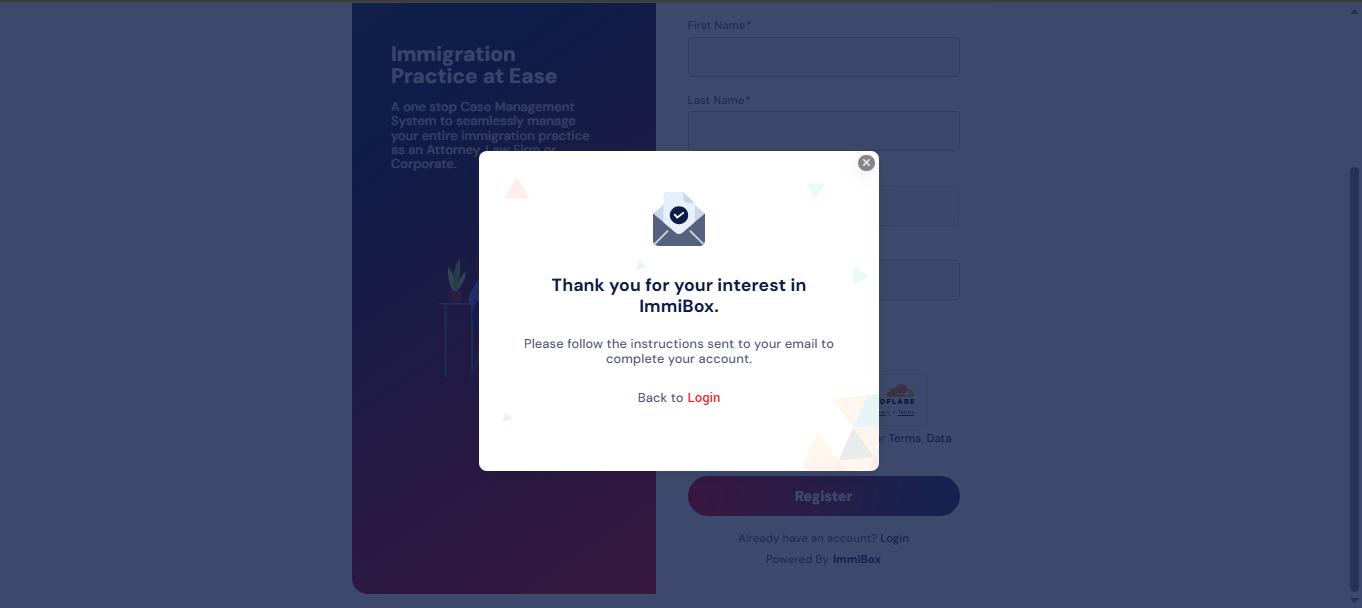
Upon clicking the register button, a pop-up will appear to provide the customer with additional instructions.
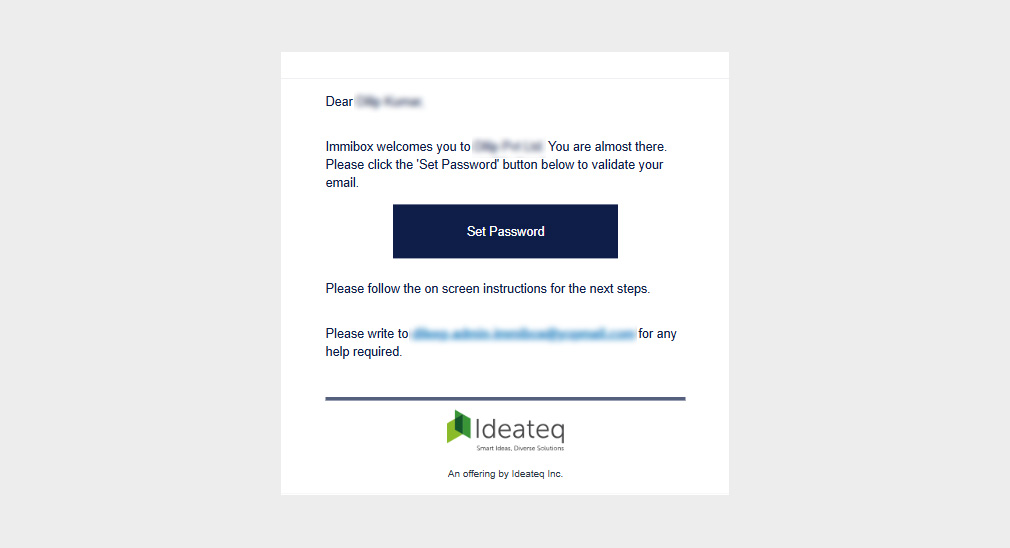
To establish a customer account, it is necessary to click the “Set Password” button found in the email received, following registration.
The format of the email is illustrated in the image below.
By clicking this button, the user will be directed to the ImmiBox password setup page, where they can create their Password.
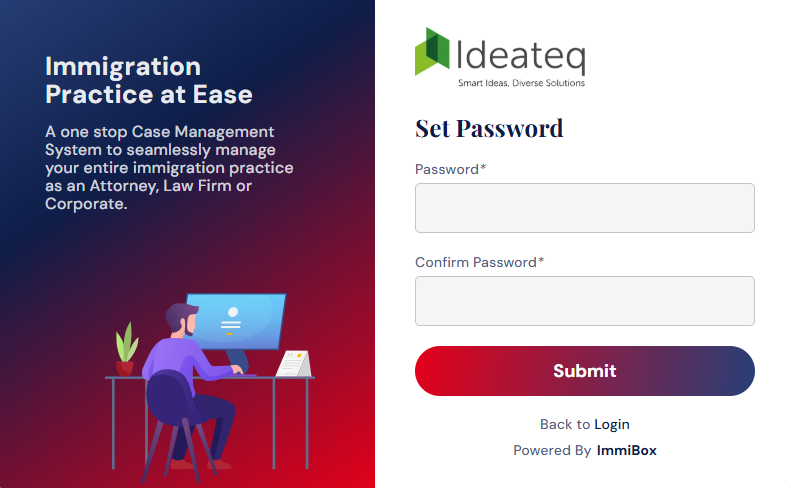 Your registration and password setup process are now complete.
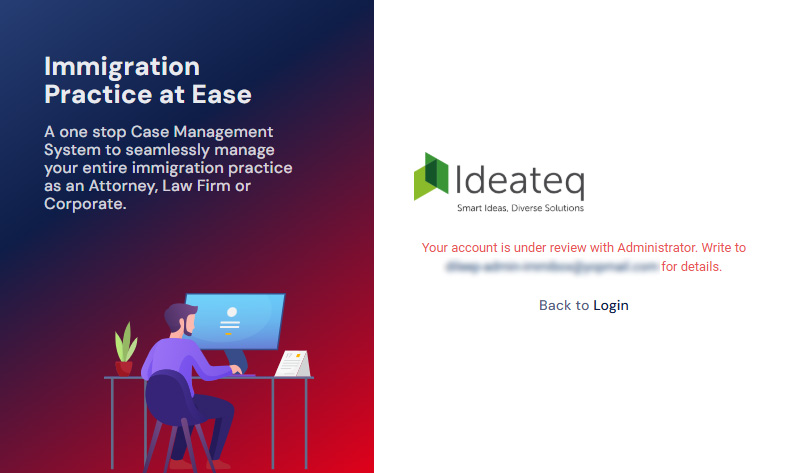
However, you will only gain access to your account after the Law Firm has completed their verification process.