
Upon completion of signing and review of all documents, the case may be submitted to USCIS. Once the case is received by USCIS, they will provide an acknowledgment in the form of a Receipt Number, which can be utilized to monitor the status of the case.
Once the case is submitted to USCIS, the required documents are sent to the service centers by courier. Upon receiving the receipt issued by USCIS, you can update it in ImmiBox to monitor the status.
Note that the submitting the Case to USCIS and related activities are required only when the case is being paper filed Offline. Part of this section will not be applicable when the case is being E-Filed.
The case must be handled with the assistance of the Law Firm’s internal personnel. Each internal team member will have specific responsibilities related to the case. After the questionnaire is submitted and the necessary documents are uploaded, these internal users will engage in validating and verifying the information.
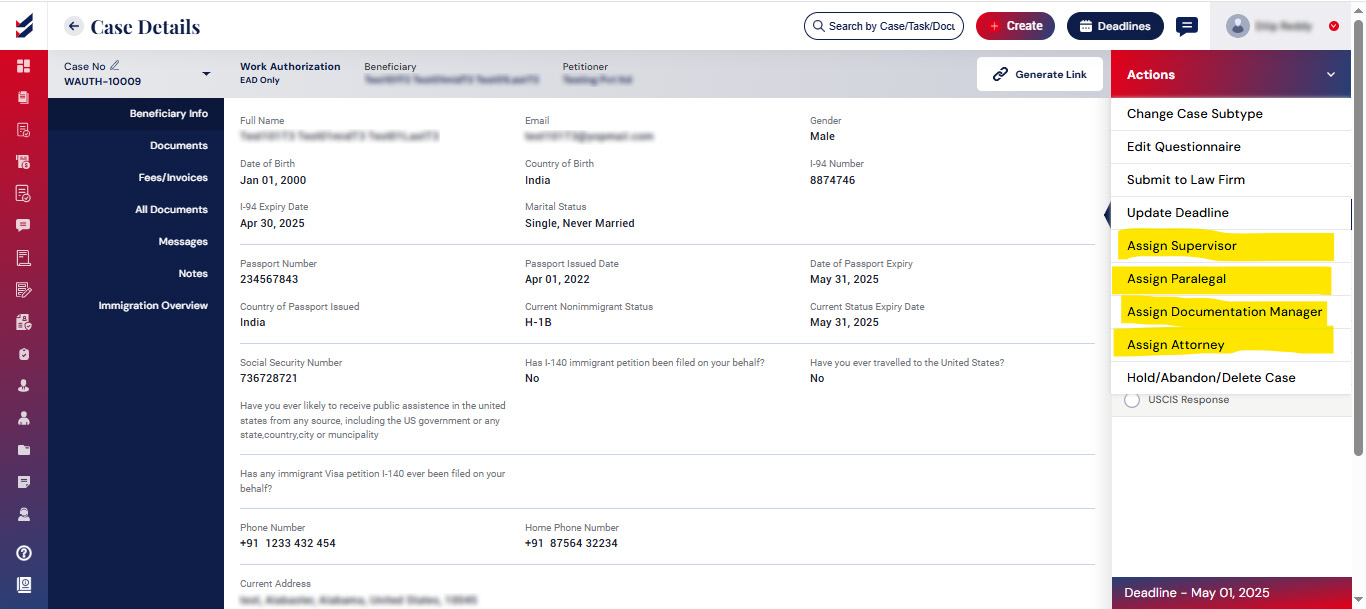
This process may involve the Paralegal, Supervisor, Documentation Manager, Documentation Executive, and Attorney, each contributing to the actions required for the case details.
Note: Engagement of these users to the case will strictly depend on the workflow configuration for your Law Firm and the selected Case Type.
Assignment of these users and roles shall be performed by the users who have such rights given in the workflow configuration.
Click Here to see How to manage and configure workflow for a Case Type.
Select the Actions menu within the case details to see the internal users available for assignment to the case.
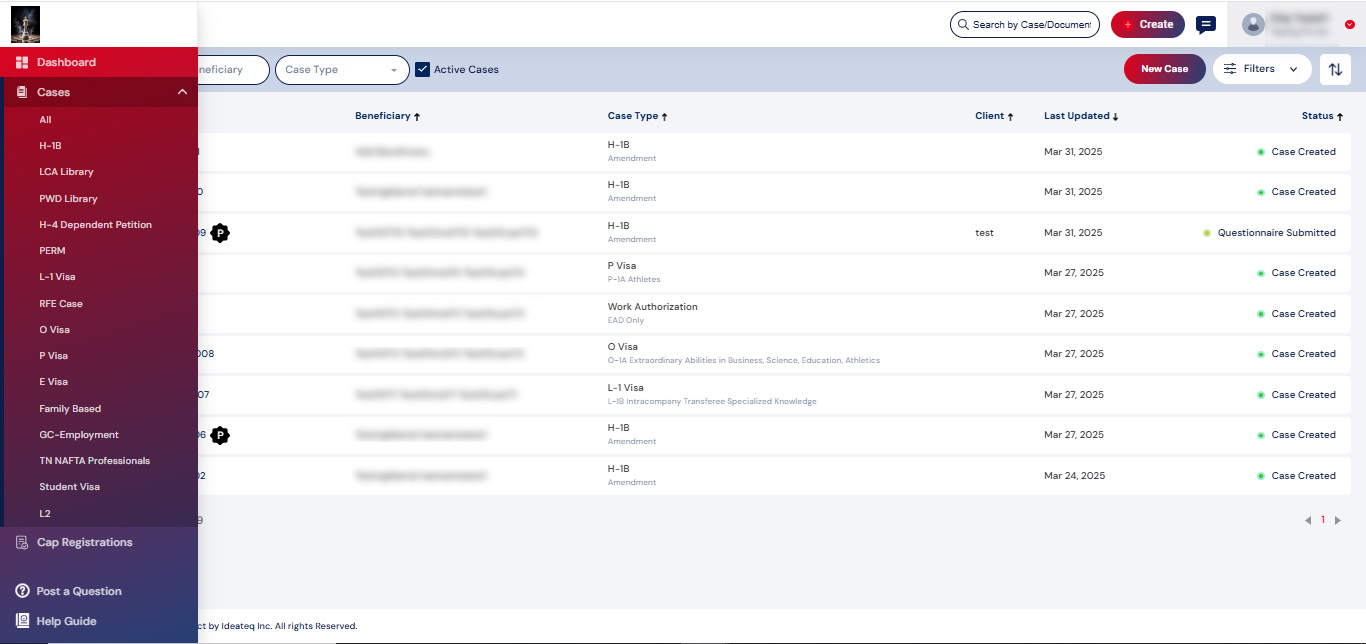
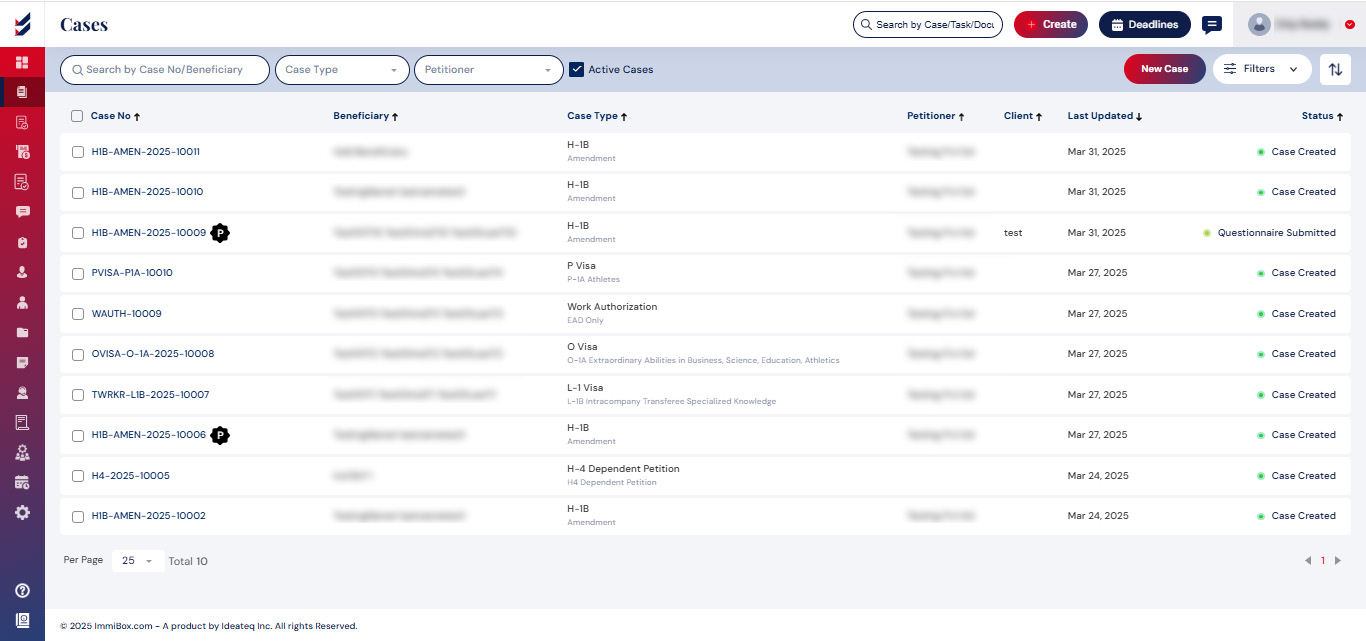
To access all your existing Cases, select ‘Cases’ from the left navigation menu. On the top right corner, a ‘New Case’ button can be seen, as well as options to filter the list of cases.

Our team will contact you shortly and guide you for further setup


